


imgenv0.3.1

CASOON Open Source

Images from the command line.

imgen sends a prompt to any image model on Replicate, waits for the prediction and saves the result as PNG or WebP. It reads each model's schema to send the size the way that model expects, and runs whole batches from one JSON file.

brew install casoon/tap/imgen
cargo install --git https://github.com/casoon/imgen
MITv0.3.1Rust CLImacOS + Linux
imgen --help
CLI tool to generate images via the Replicate API

Usage: imgen [OPTIONS] [PROMPT]

Arguments:
  [PROMPT]  Text prompt for image generation (ignored when --prompt-file is used)

Options:
      --prompt-file <FILE>  JSON file containing an array of jobs
      --model <MODEL>       Replicate model in "owner/name" format [default: black-forest-labs/flux-1.1-pro]
      --width <WIDTH>       Output width in pixels [default: 1024]
      --height <HEIGHT>     Output height in pixels [default: 768]
      --out <OUT>           Output file path (only used for single-prompt mode) [default: output.png]
      --webp [<WEBP>]       Convert output to WebP with given quality (0-100). Omit value for default 80
  -h, --help                Print help
  -V, --version             Print version
ways to send the image size, picked from the model schema
3
prompt-file formats: plain array or defaults + jobs
2
retries on HTTP 429, honouring Retry-After
5
prebuilt release targets
4

What it does

  1. Any Replicate image model

    Pass owner/name with --model or per job. imgen resolves the latest version itself; FLUX 1.1 Pro is the default.

  2. Schema detection, not model lists

    The model’s OpenAPI schema decides whether imgen sends exact pixels, the closest allowed aspect ratio, or plain width and height.

  3. Batches that keep going

    A JSON file runs many jobs with shared defaults. Progress shows as [2/5], and a failed job does not stop the rest.

  4. WebP without double encoding

    Models with server-side format selection deliver WebP directly. All others are converted locally at the quality you choose.

Generated at build time

All examples →
imgen --prompt-file examples/prompt-files/missing-out.json
Error: Failed to parse prompt file examples/prompt-files/missing-out.json

Caused by:
    0: Failed to parse jobs array
    1: missing field `out`
exit code 1

Captured from the current binary by examples/capture.sh. Prompt files are validated before the first API request, so a broken batch costs nothing.

examples/missing-out.txt

Made with imgen

All examples →
  • Isometric 3D illustration of a laptop on a glowing platform with a terminal window on the screen and colourful ribbons, bubbles and particles bursting out behind it, on a dark grid. At the top the glowing headline “Ki-Bilder per Kommandozeile”.
  • Isometric 3D server rack under a holographic globe showing Europe, with glowing cables running from two clouds on the left and right and white arrows pointing at the rack, dark background with blue and red light. At the top the headline “RAUS AUS DER CLOUD?” in glowing white capitals.
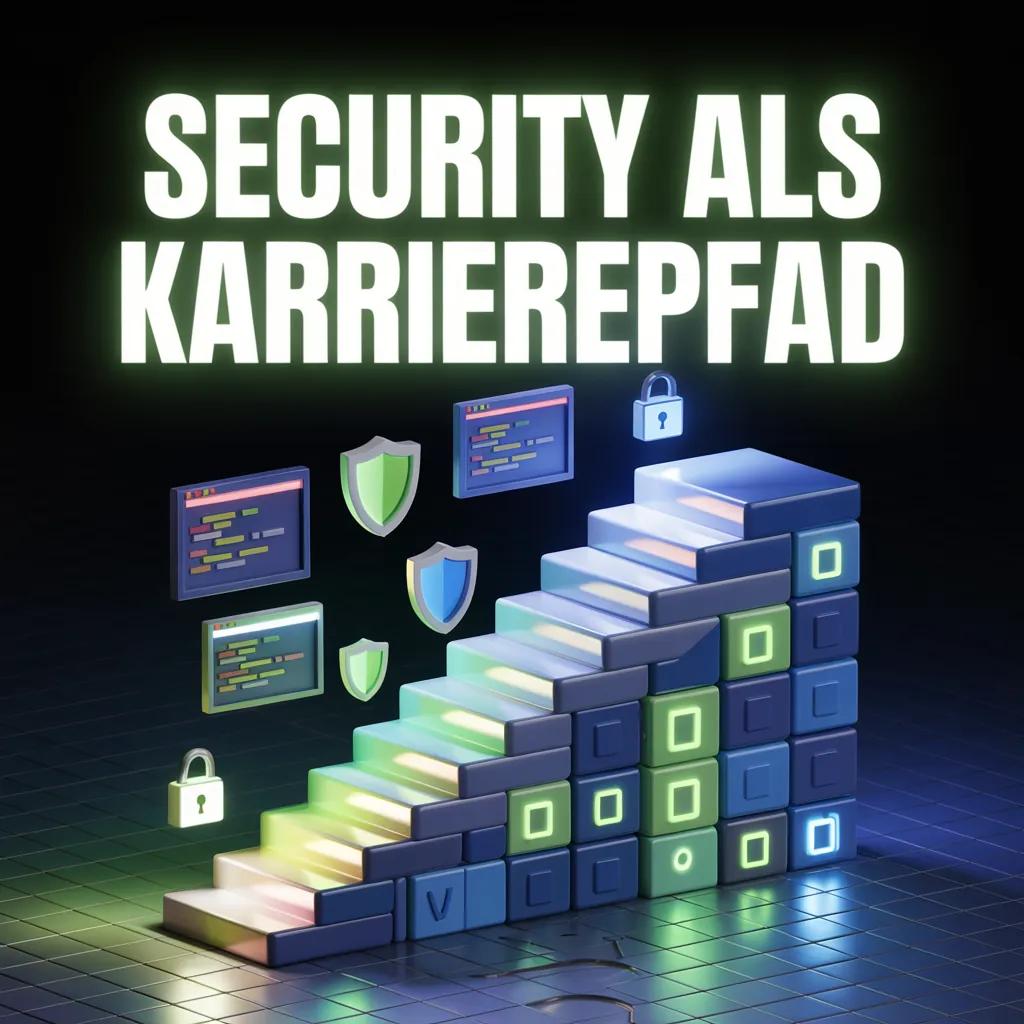
  • 3D staircase built from blue and green blocks rising to the right, with floating code windows, shield icons and padlocks beside it, on a dark grid floor. At the top the headline “SECURITY ALS KARRIEREPFAD” in glowing white capitals with a green glow.
  • Isometric grid of rounded UI component tiles – cards, buttons and groups of coloured dots in red, cyan, yellow and grey – on a dark grid, framed by a neon line fading from cyan to purple. At the top the headline “Design Systems rechnen Sich” in glowing white letters.

Generated once with imgen and ideogram-ai/ideogram-v3-quality, then committed: generation needs a Replicate API token, so these images are not rebuilt with the site. Prompts and commands are in the showcase.

examples/gallery/

Quickstart

Three steps from install to a saved image. The documentation covers models, schema detection and batch files.

  1. Install imgen with Homebrew, a release archive or Cargo.
  2. Export your Replicate token as REPLICATE_API_TOKEN.
  3. Run imgen with a prompt, or with --prompt-file for a batch.
terminalShell
# Token from replicate.com/account/api-tokens
export REPLICATE_API_TOKEN="r8_your_token_here"

# One image with the default model (FLUX 1.1 Pro)
imgen "A sunset over the ocean" --out sunset.png

# Many images from a JSON file
imgen --prompt-file prompts.json