CASOON Open Source
Business documents from JSON, typeset by Typst.
Templates for invoices, offers, reminders, letters, credentials, concepts, diagrams and more. Keep each document as a JSON or .typ file, and docgen compiles it to PDF with your company data, branding and language.
curl -fsSL https://raw.githubusercontent.com/casoon/typst-business-templates/main/install.sh | bashcargo install --git https://github.com/casoon/typst-business-templates docgencargo add typst-business-templates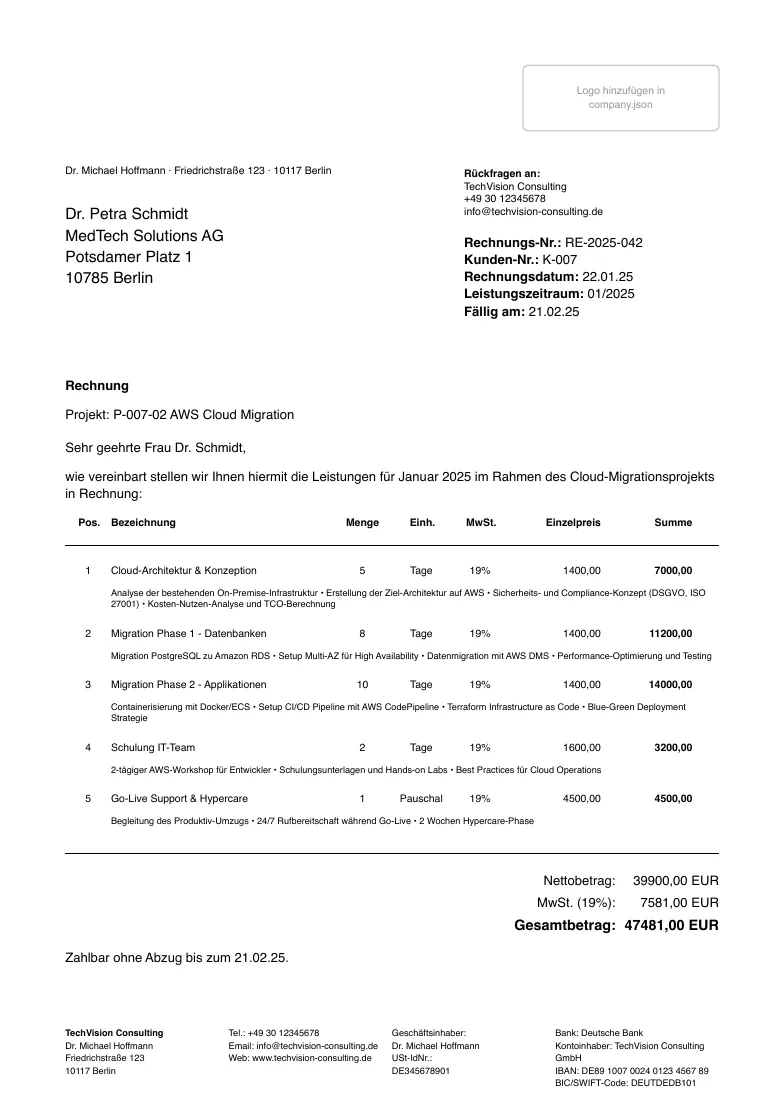
it-consultant/documents/invoices/2025/invoice.json, compiled by docgen 0.7.2.- document templates
- 20
- languages for labels and CLI
- 7
- font presets, fonts in the repository
- 10
- diagram layouts, no coordinates needed
- 8
What it does
Your documents are plain files
Invoices and offers are JSON, long documents are Typst markup. Company data, clients and number counters are JSON as well. Everything diffs and versions in Git.
German business conventions built in
DIN 5008 address block, VAT breakdown, dunning levels and a company footer with tax and bank data. One example project invoices as Kleinunternehmer (§ 19 UStG) without VAT.
Templates that stay current, forks that stay put
Standard templates are extracted into .docgen/templates/ and updated with docgen. docgen template fork copies one into templates/, where updates never touch it.
CLI or Rust library
docgen compiles single files, whole folders or on change. The typst-business-templates crate embeds templates, locales and fonts and returns the PDF bytes without a typst binary.
Compiled by docgen
All examples →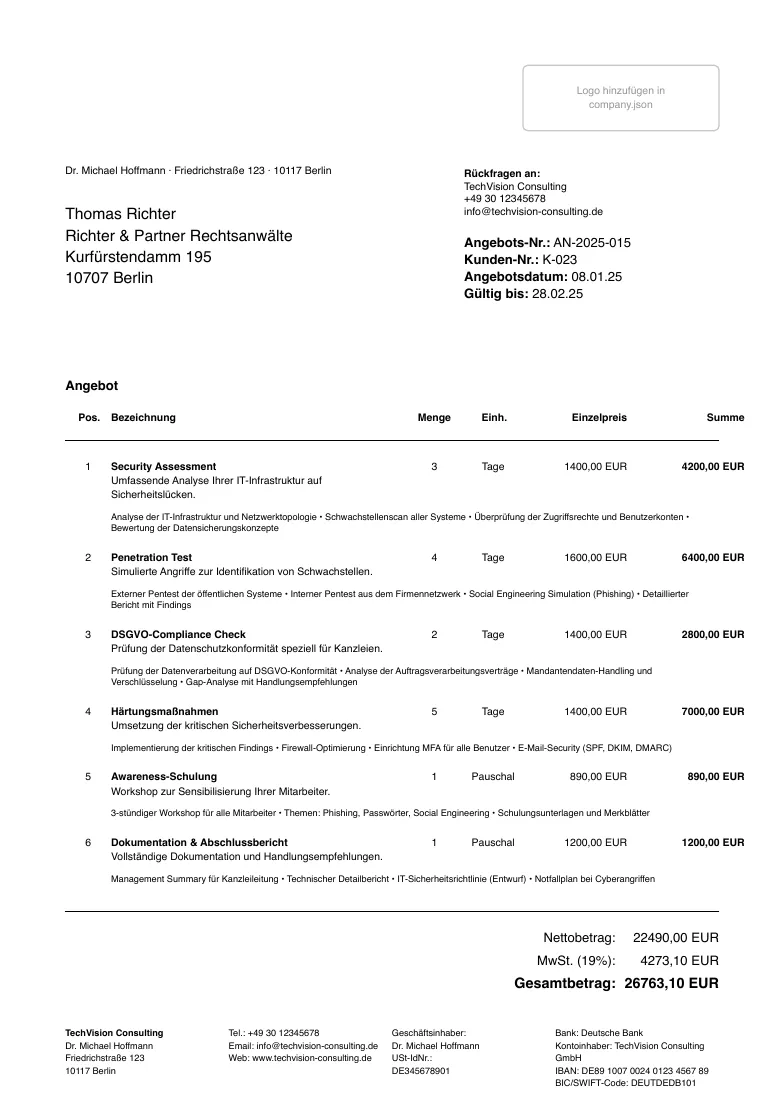
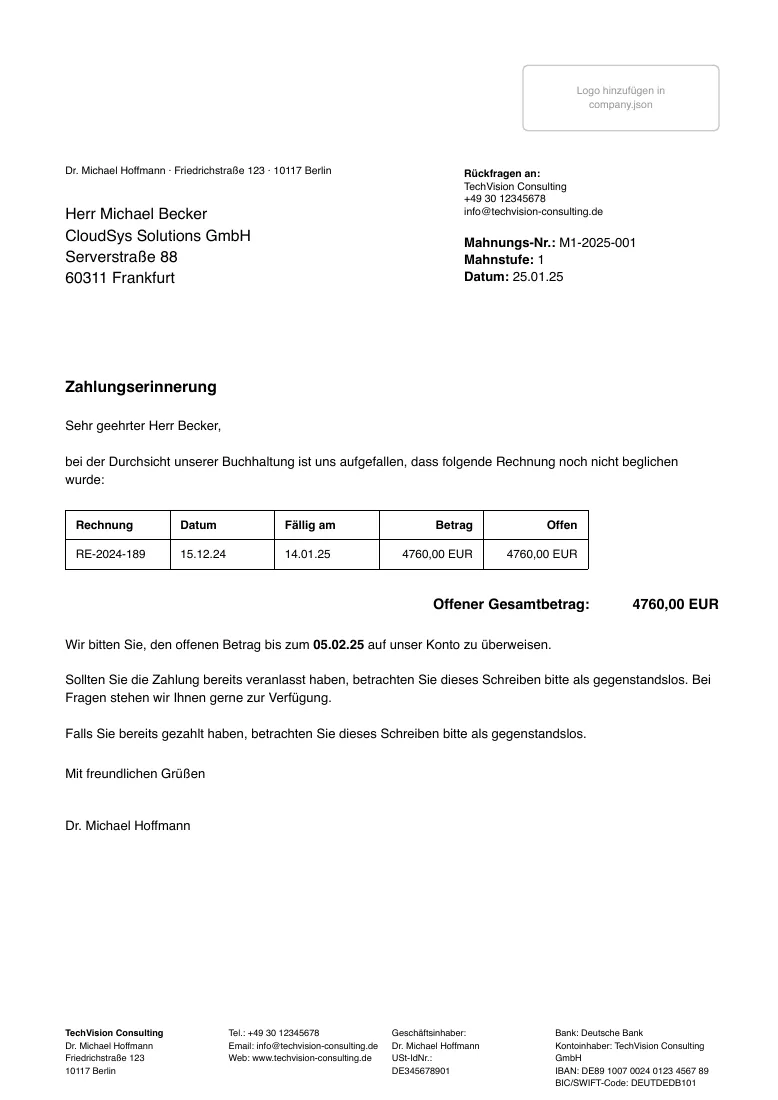
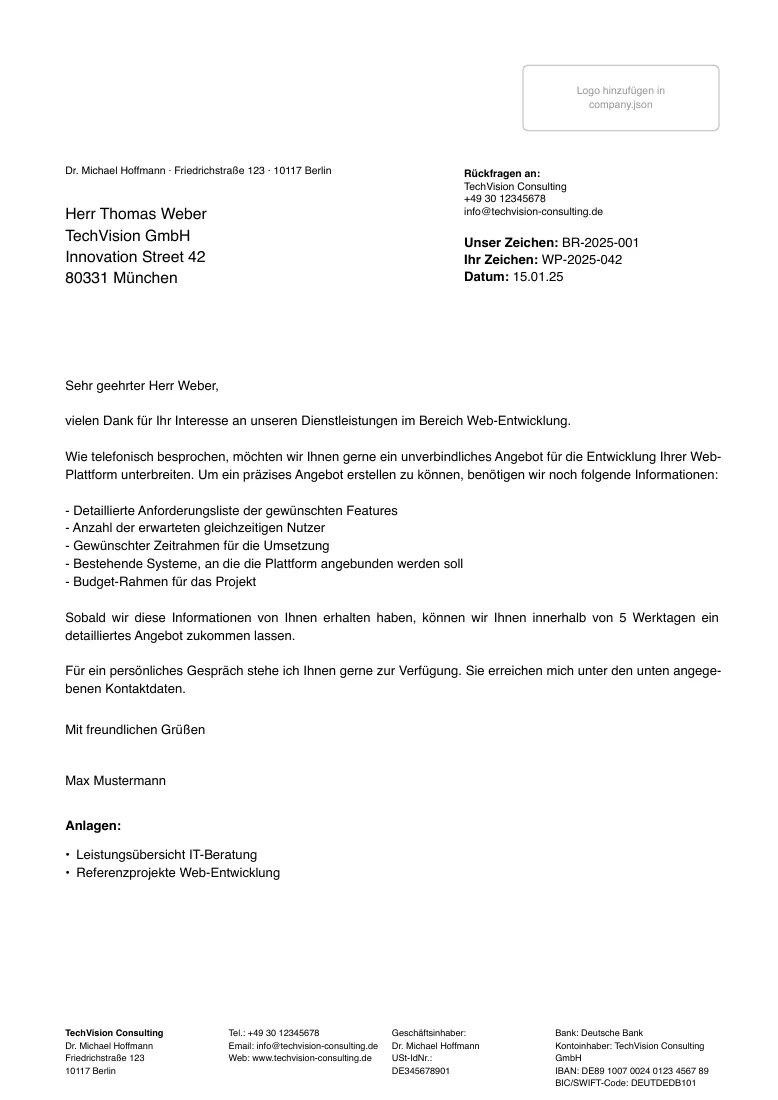
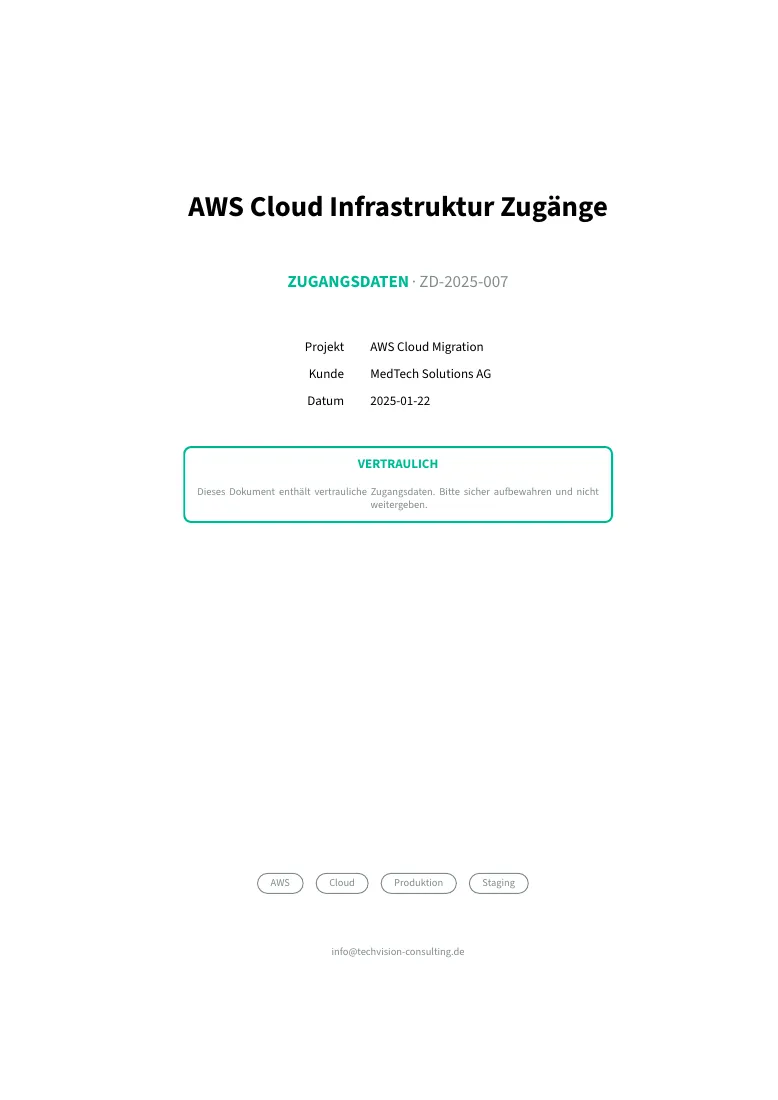
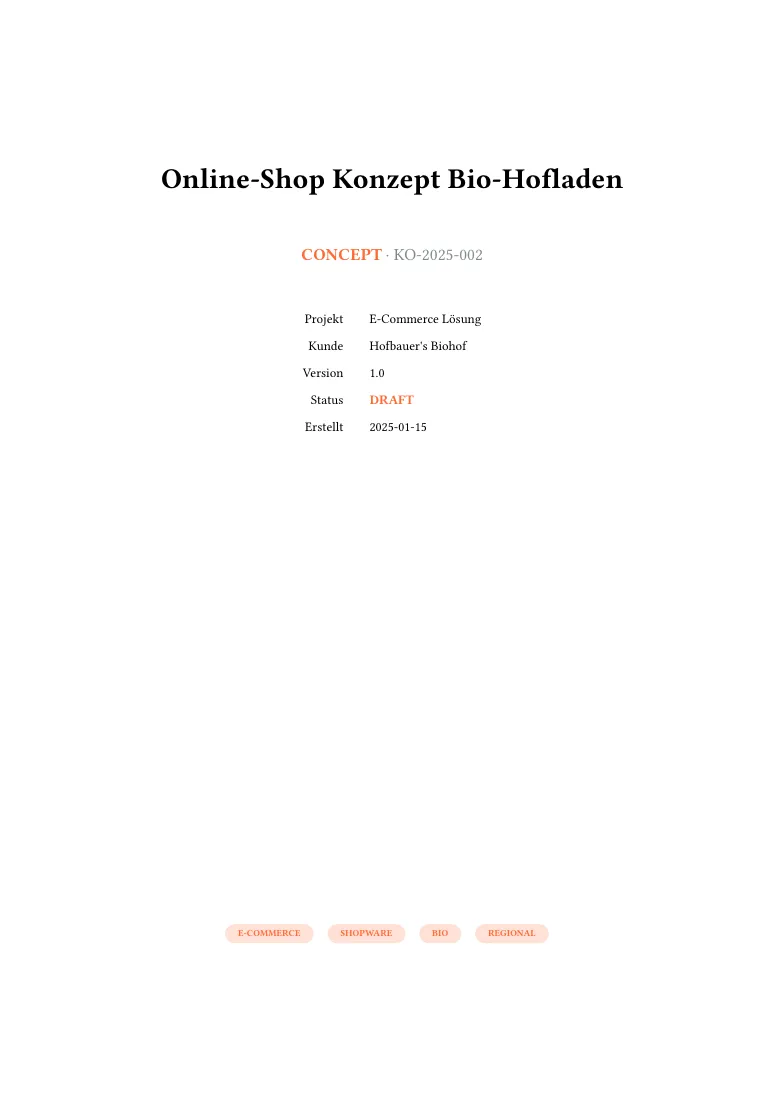
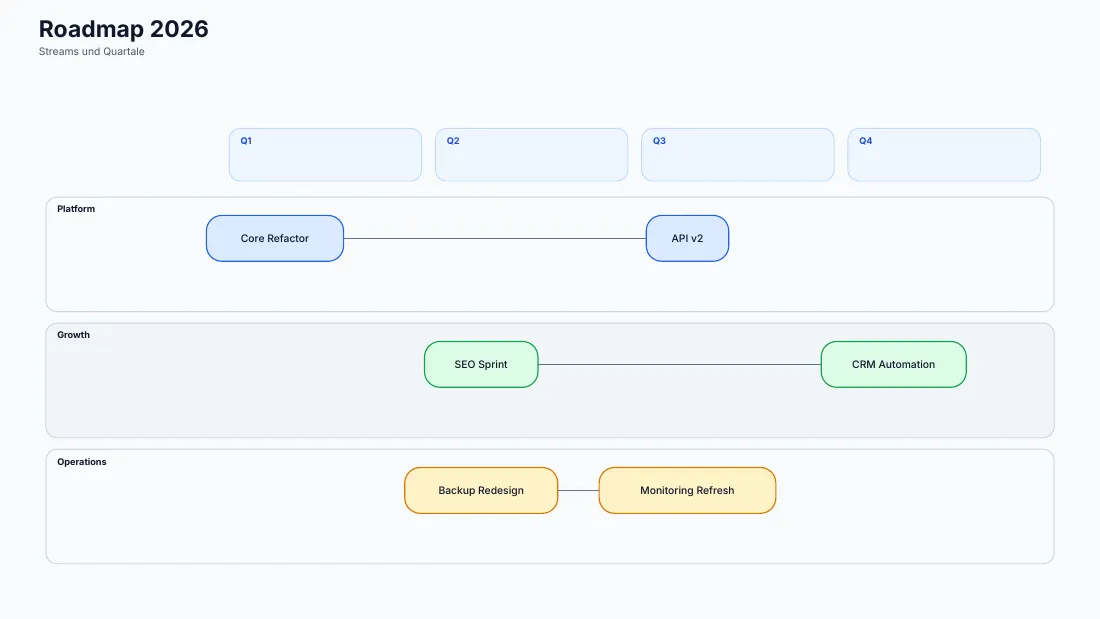
First pages of documents from the example projects, compiled by docgen 0.7.2. Each links to its source file and the full PDF.
examples/Quickstart
From an empty folder to a PDF. docgen calls the typst CLI for invoices and other documents, so install Typst first. The documentation covers the JSON format, templates and diagrams.
- Install
docgenand Typst. - Create a project with
docgen initand fill indata/company.json. - Add a JSON document and run
docgen compile— ordocgen buildfor all of them.
docgen init my-business
cd my-business
# edit data/company.json, then add a document:
#   documents/invoices/2026/invoice.json
docgen compile documents/invoices/2026/invoice.json
# → documents/invoices/2026/invoice.pdf