Workflow, templates and storage
From data to a verified archive, which tools to use for which document, and how to store data, source and PDF apart.
Deutsche Fassung: Tutorial auf Deutsch
A document comes from data and a template. What happens next decides whether it can still be trusted in eight years.
Focus
Source: typstgen 0.4 (as of 11 October 2026)
Show chart data
| Step | Kind | Lane | Group | Leads to |
|---|---|---|---|---|
| Data | start | Create | Document | |
| Document | step | Create | check | |
| check | step | Check | also via MCP (AI agent) | No errors? |
| No errors? | decision | Check | also via MCP (AI agent) | Document (no), preview (yes) |
| preview | step | Check | also via MCP (AI agent) | compile |
| compile | step | Keep | Manifest | |
| Manifest | step | Keep | verify (later, in CI) | |
| verify | end | Keep |
Focus
Source: typstgen 0.4 (as of 11 October 2026)
Show chart data
| Step | Kind | Lane | Group | Leads to |
|---|---|---|---|---|
| Data | start | Create | Document | |
| Document | step | Create | check | |
| check | step | Check | also via MCP (AI agent) | No errors? |
| No errors? | decision | Check | also via MCP (AI agent) | Document (no), preview (yes) |
| preview | step | Check | also via MCP (AI agent) | compile |
| compile | step | Keep | Manifest | |
| Manifest | step | Keep | verify (later, in CI) | |
| verify | end | Keep |
check reports errors with file, line and column, preview shows a page as an image, compile
writes the PDF, as PDF/A if needed and for invoices with embedded ZUGFeRD XML. A manifest records
what each PDF was built from; verify rebuilds it later and compares byte for byte. The three
checking steps are available to an AI agent over MCP as well.
Tools and templates
For most documents, typstgen and a template are enough. Reports generated from program code call for a library.
- typstgen compiles any
.typfile. It finds templates throughtemplate_pathsintypstgen.tomland loads Typst packages such as@preview/…from the same folders as the Typst CLI, or not at all, if configured that way. - business-templates provides 19 business documents as a Typst package: invoice, offer, credit note, reminder, delivery note, order confirmation, letter, credentials, concept, contract, documentation, proposal, minutes, SLA, specification, task list, time sheet and handout. Accounting documents take JSON data, the others named parameters and the text as content. The layout is German (DIN 5008).
- RenderReport is a Rust library for data-driven reports built from components (scores, findings, tables, charts), with Typst as the embedded engine; every PDF is PDF/UA-1.
Successor of docgen
The templates come from docgen, which is discontinued. typstgen replaces its PDF generation and
compiles the same templates and JSON files; client and project management, automatic numbering
and --encrypt are not part of it.
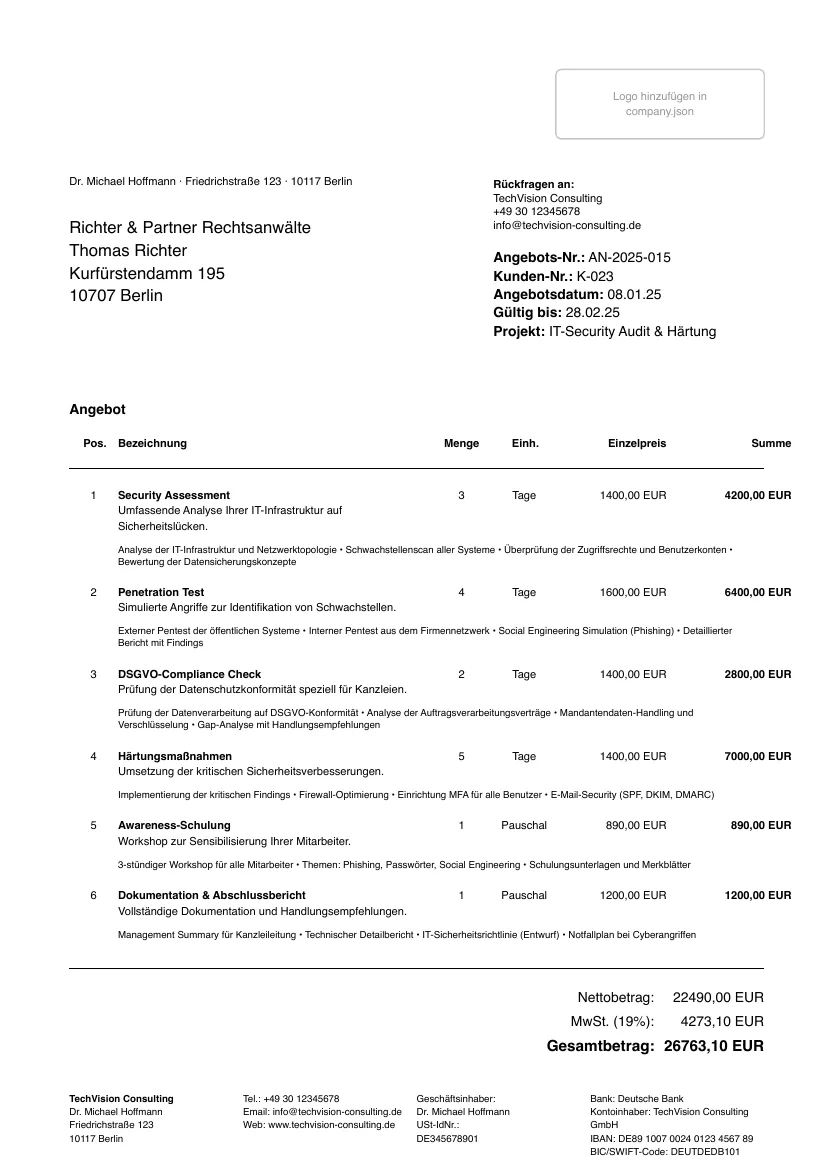
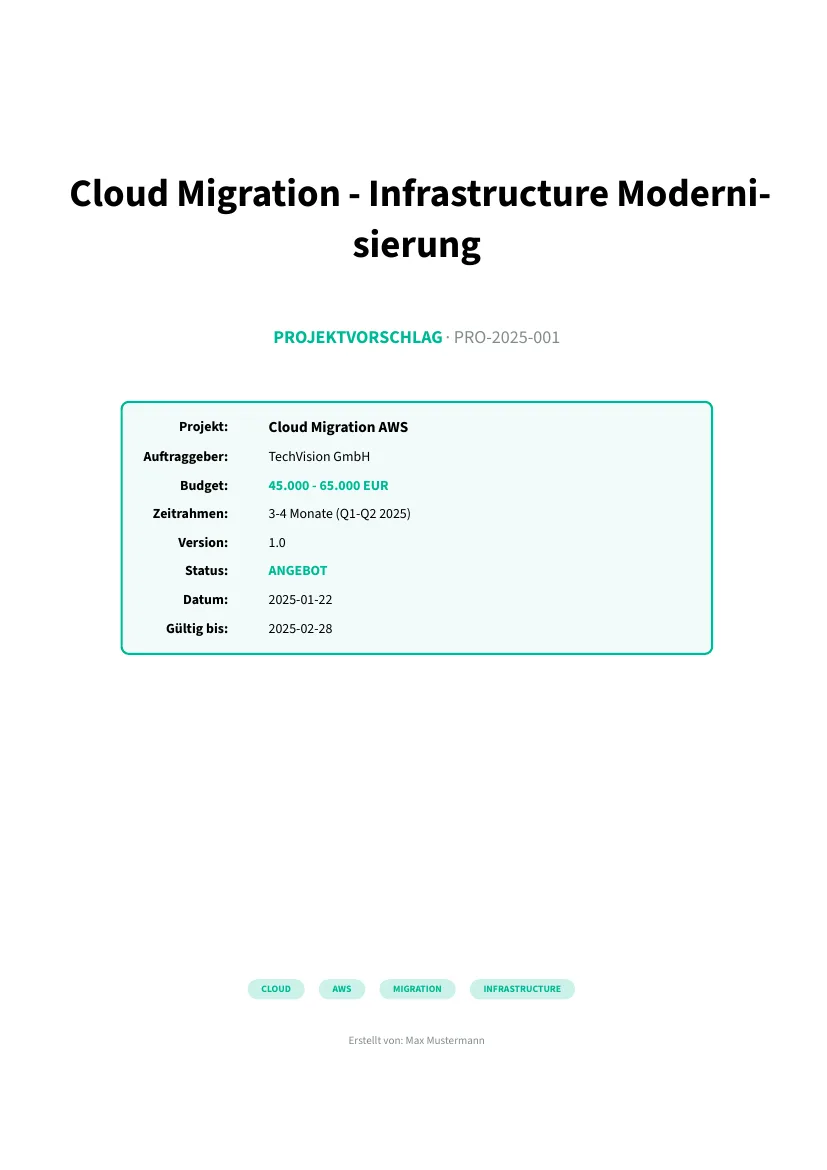
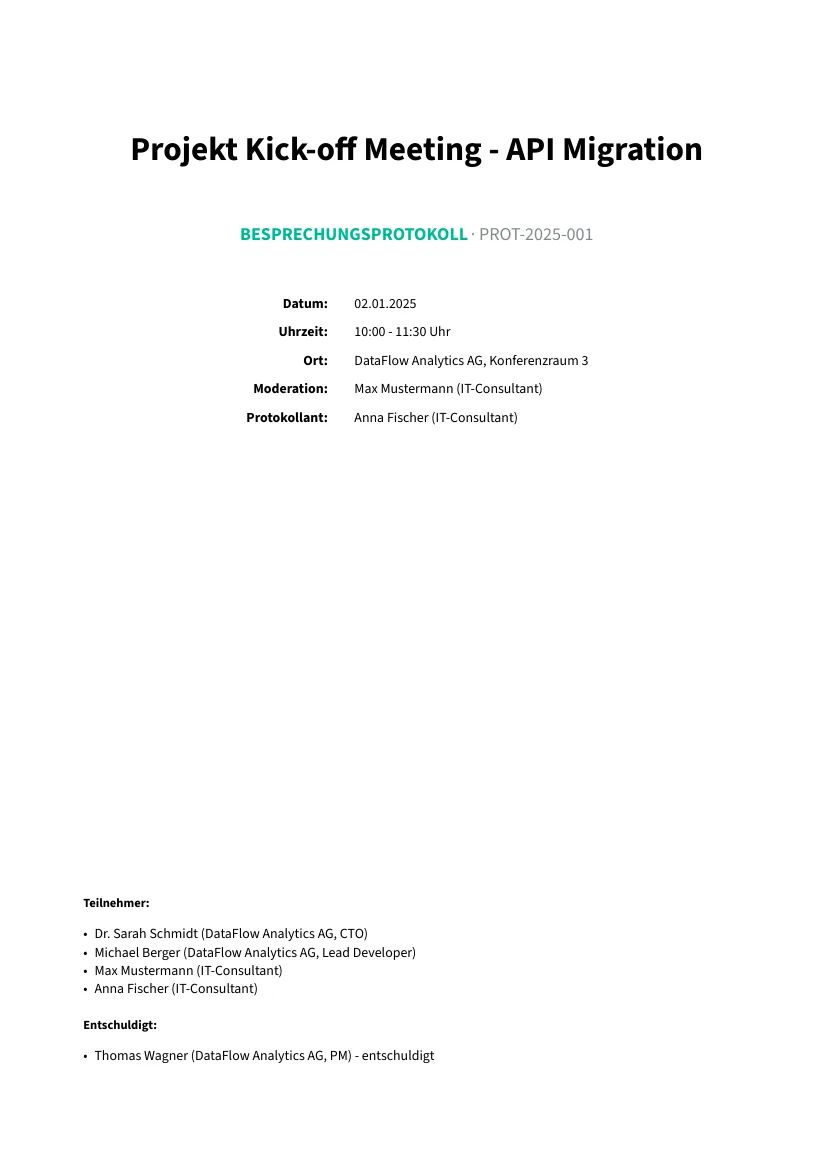
Three documents from business-templates, generated with typstgen 0.4.1 from the example data in that repository:
Data, source, PDF: stored apart
The data changes. The template stays. The PDF is just the result.
A folder per document type and year works well, with the document number as file name:
invoices/2026/RE-2026-001.json holds the data, RE-2026-001.typ next to it is a thin wrapper that
brings template and data together. Master data such as company.json lives once, centrally.
Data, wrapper and manifest are small text files and belong in version control; the history shows who changed what and when. PDFs belong in the archive storage, not in Git. The manifest ties both together.
If you keep a knowledge base for AI systems, store a compact summary of each case there and point
to the source with document_id and typst_source. The system reads the entry, the customer gets
the PDF; PDFs stay out of the search index.
Number ranges
A fixed scheme such as RE-YYYY-NNN (invoice) or AN-YYYY-NNN (offer) makes files, data and
knowledge entries findable without a database.