Document catalogue
All document types of business-templates at a glance, with an example of each, how it is built and which ones work well together.
Deutsche Fassung: Dokumentenkatalog
The package ships 21 templates plus a diagram workflow. This catalogue shows what each one produces
and how it is solved. Every picture is the first page of a real example from examples/, compiled
with typstgen; the PDF opens from the caption. The
reference lists the functions, calling conventions and schemas.
Three ways to build a document
| Kind | Content comes as | Layout | Page |
|---|---|---|---|
| Accounting documents | a JSON file, validated by a schema | DIN 5008 letter with address window and four-column company footer | Accounting documents |
| Documents | Typst text after a #show: rule, metadata as parameters |
title page, optional table of contents, branded footer | Documents with a title page |
| Handouts, publications, diagrams | Typst text with helper functions, or a chartlet spec | free layout, components, SVG | Handouts, publications and diagrams |
Accounting documents and documents read the same company.json (name, address, bank, logo,
colours), so changing the company data changes every one of them.
Overview
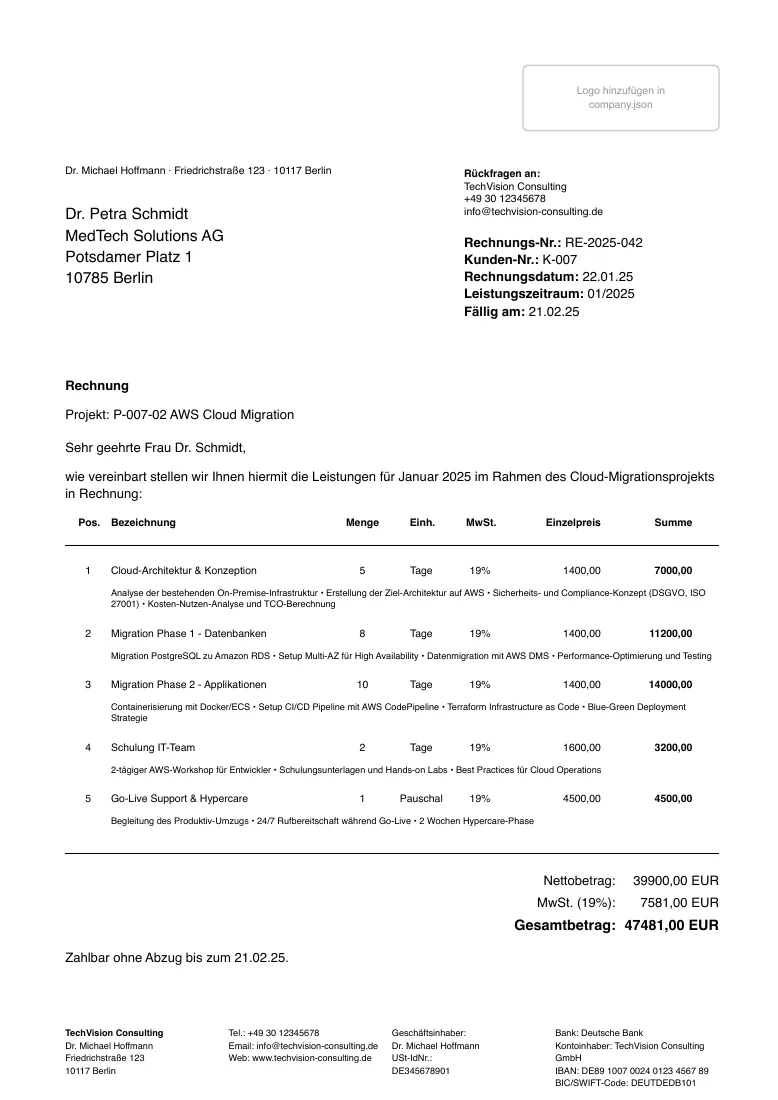 Invoice
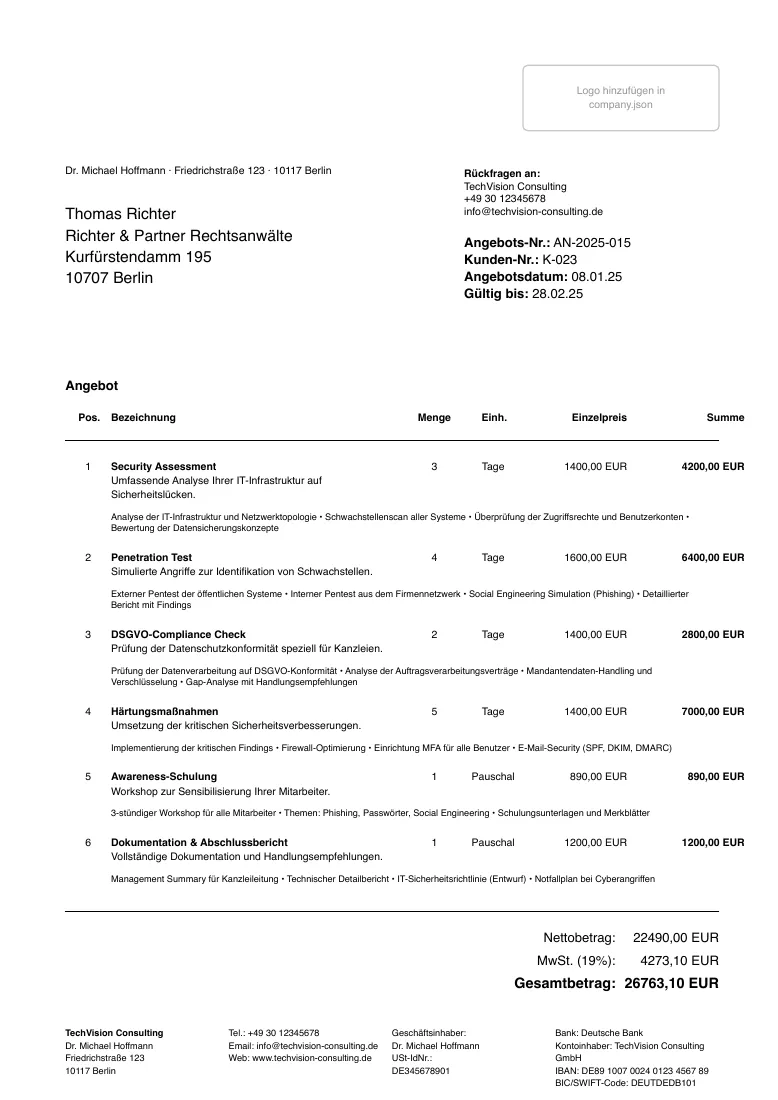 Offer
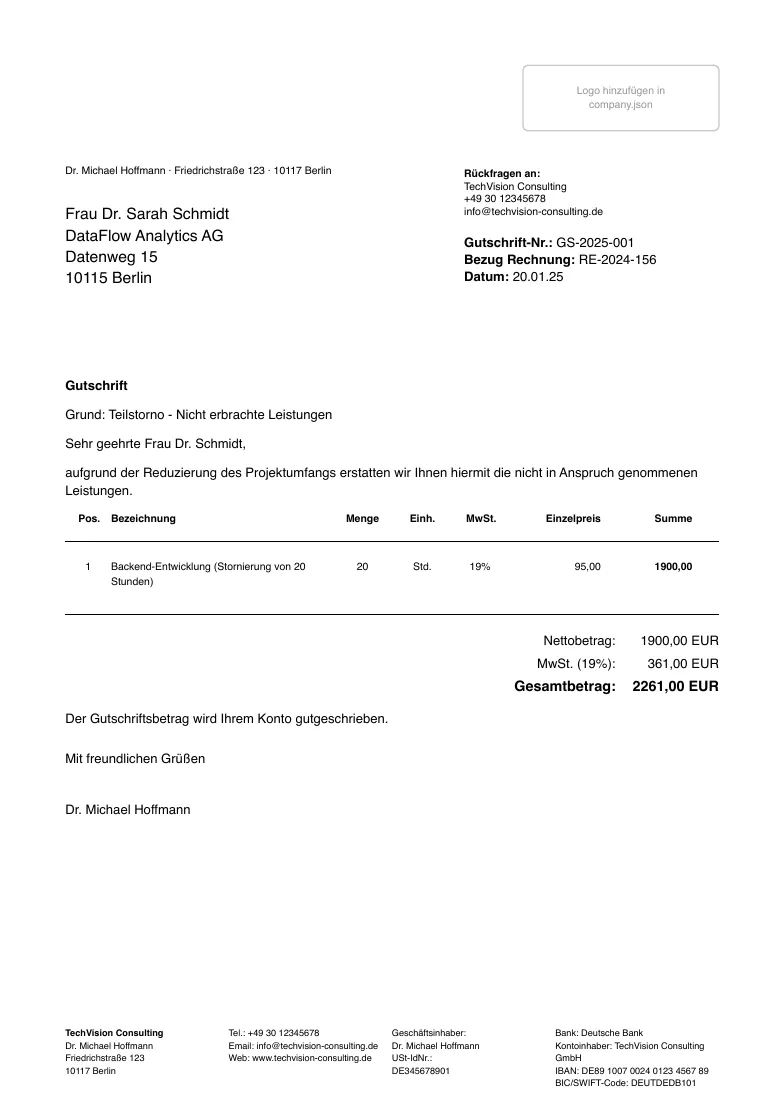 Credit note
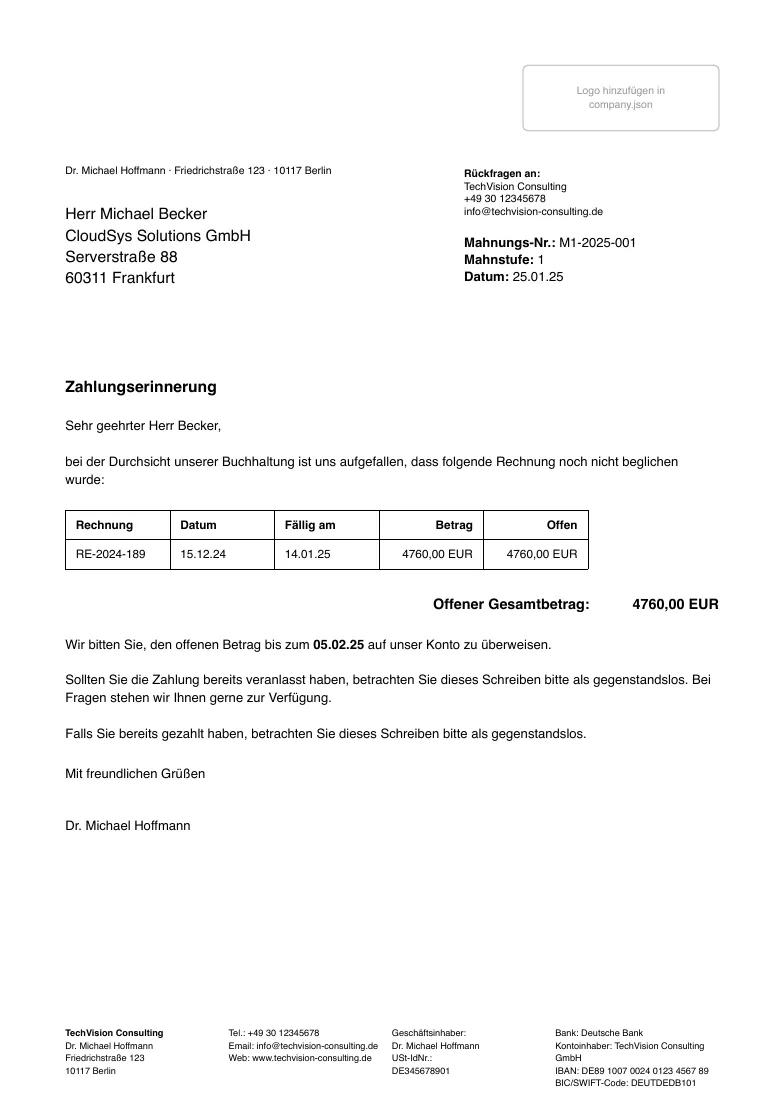 Reminder
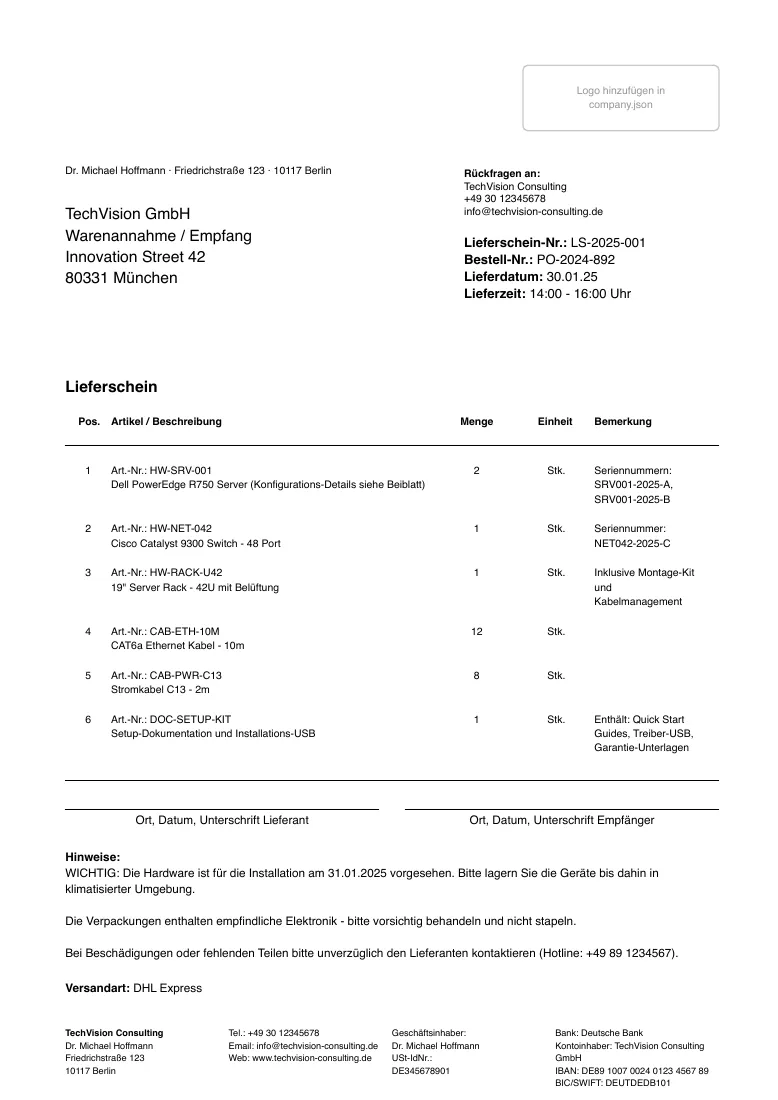 Delivery note
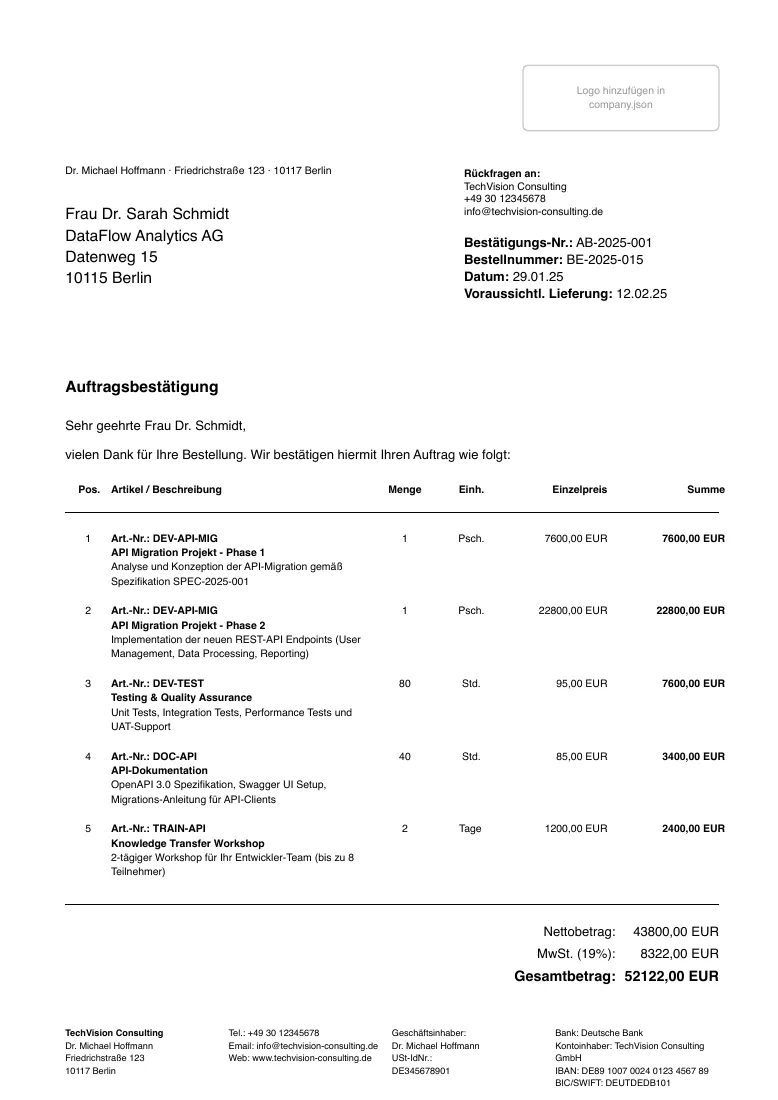 Order confirmation
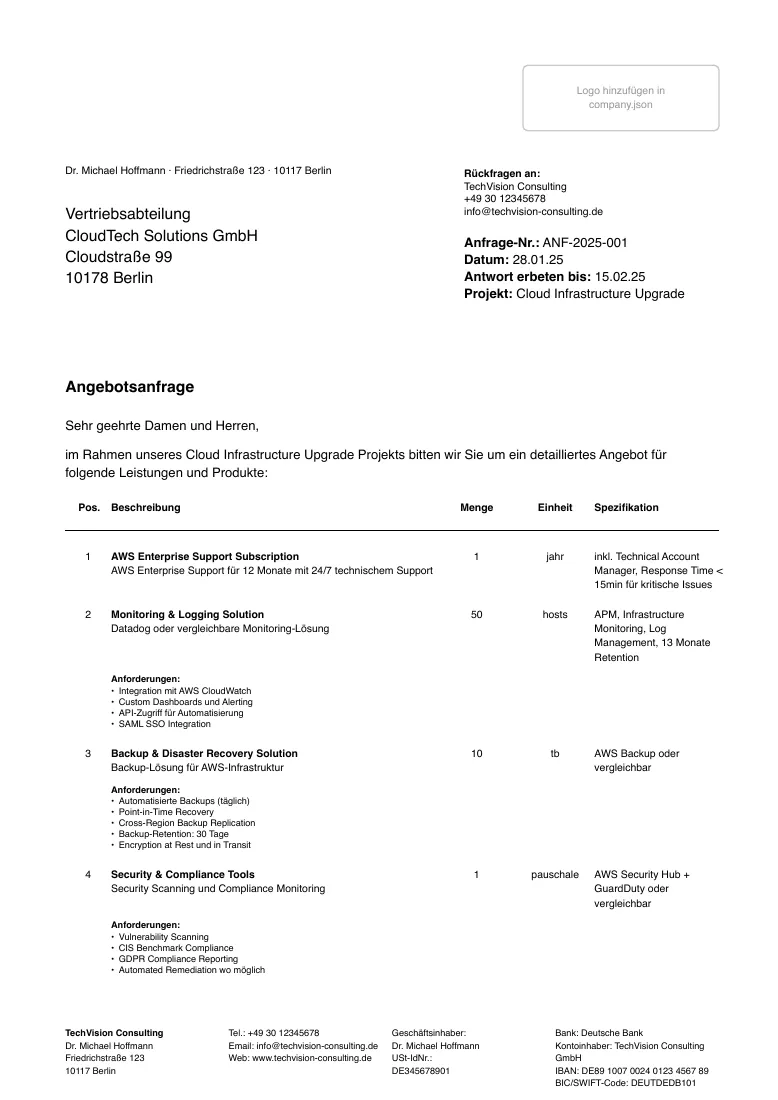 Quotation request
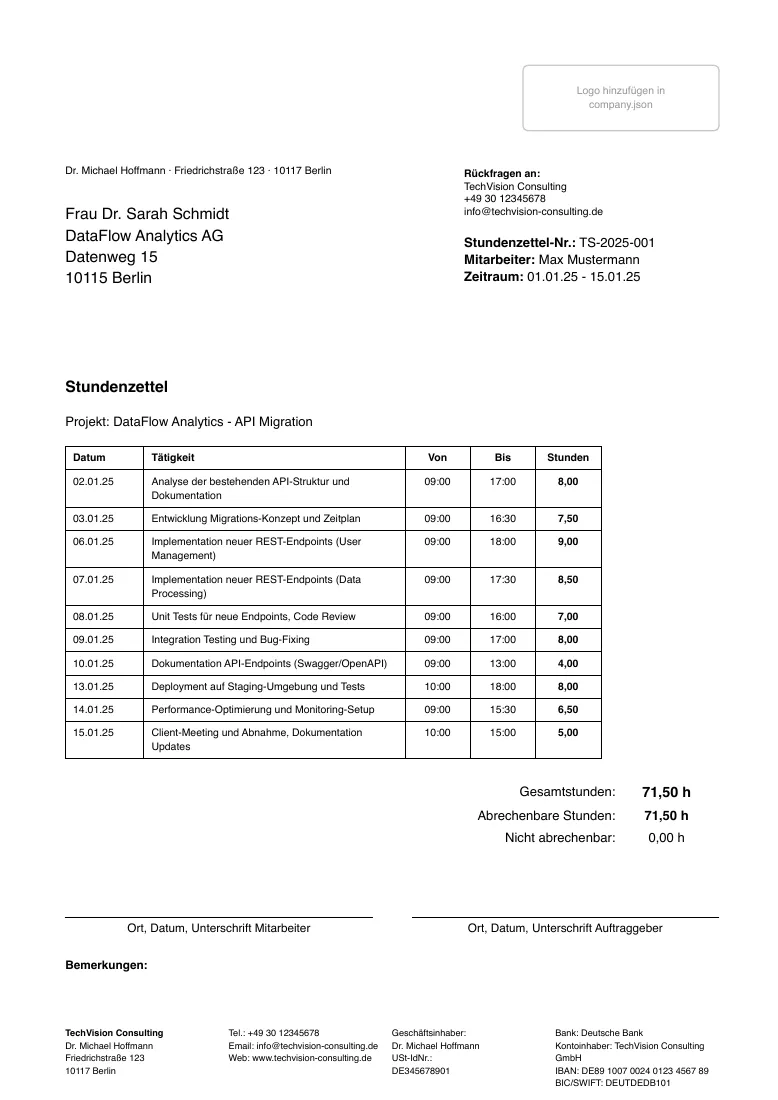 Time sheet
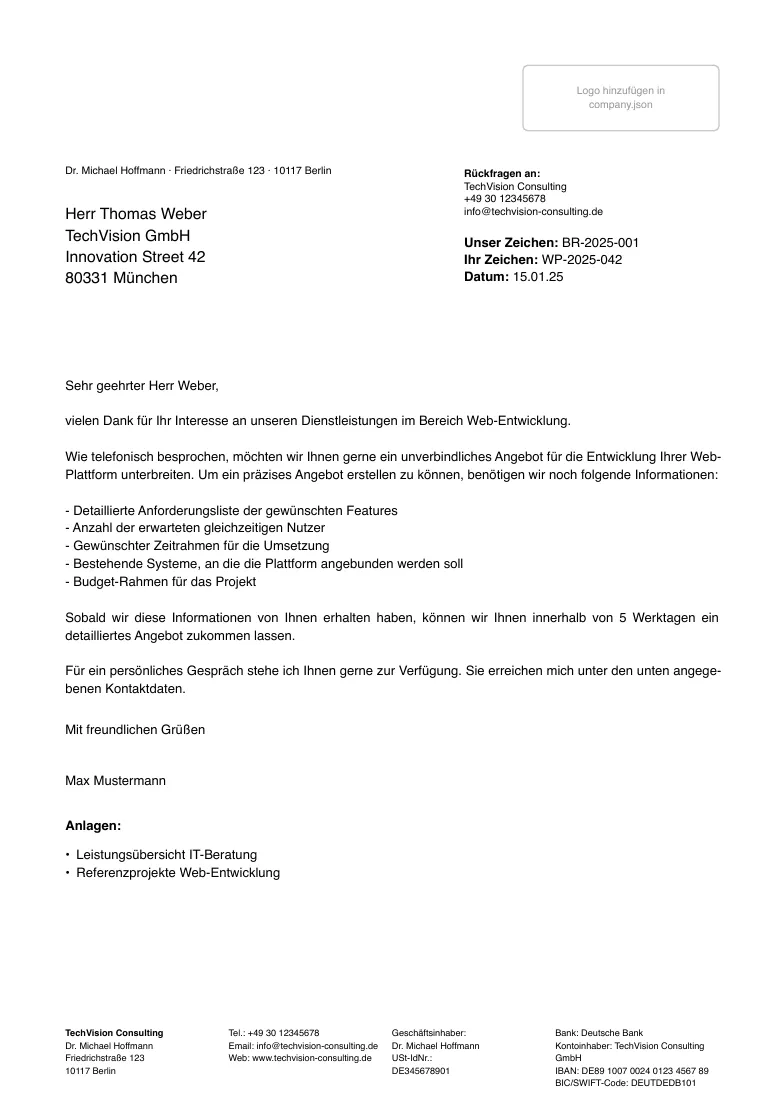 Letter
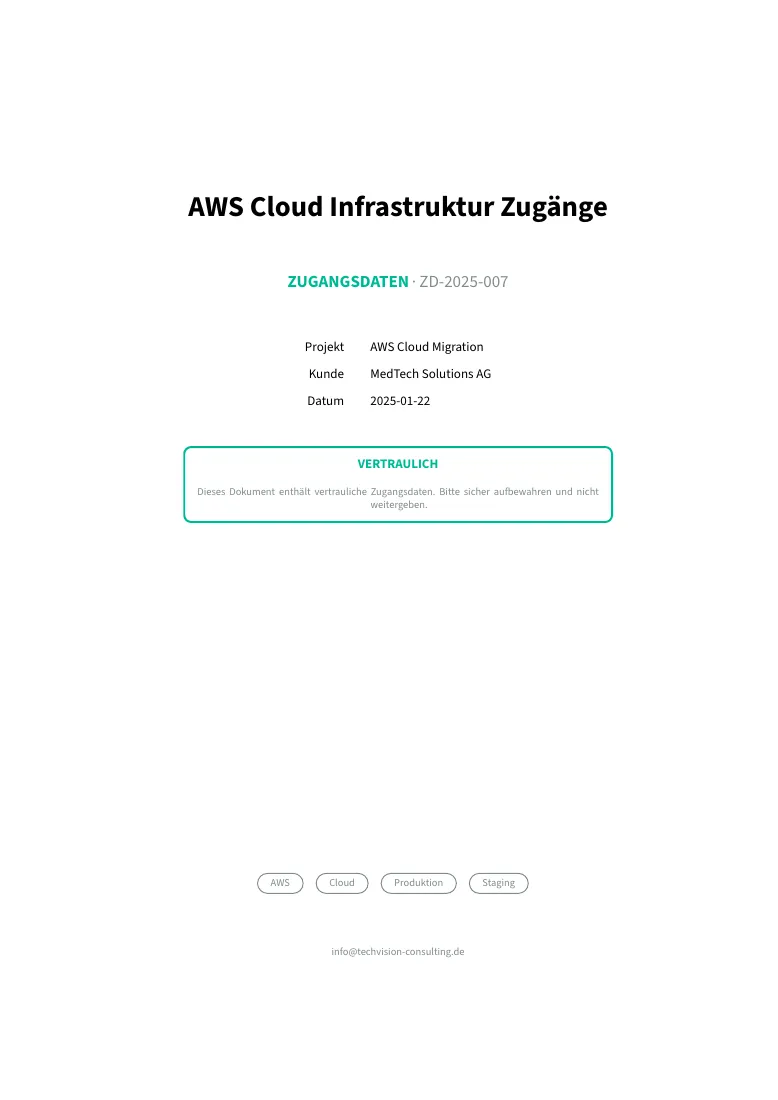 Credentials
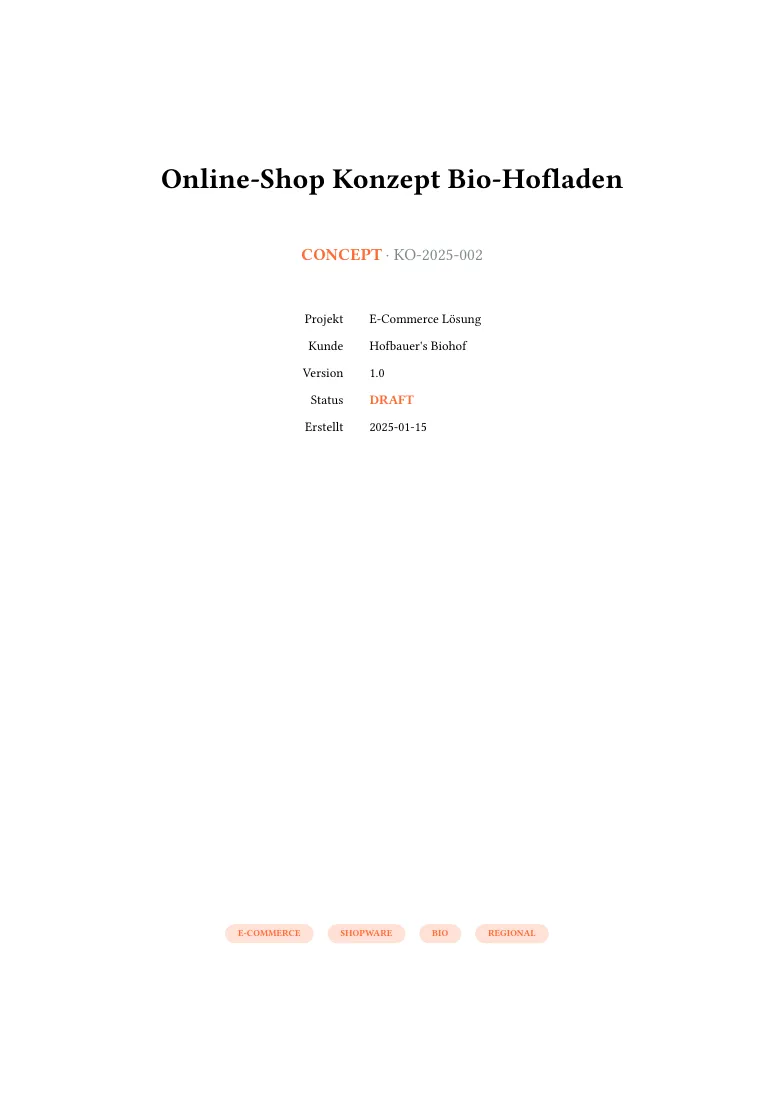 Concept
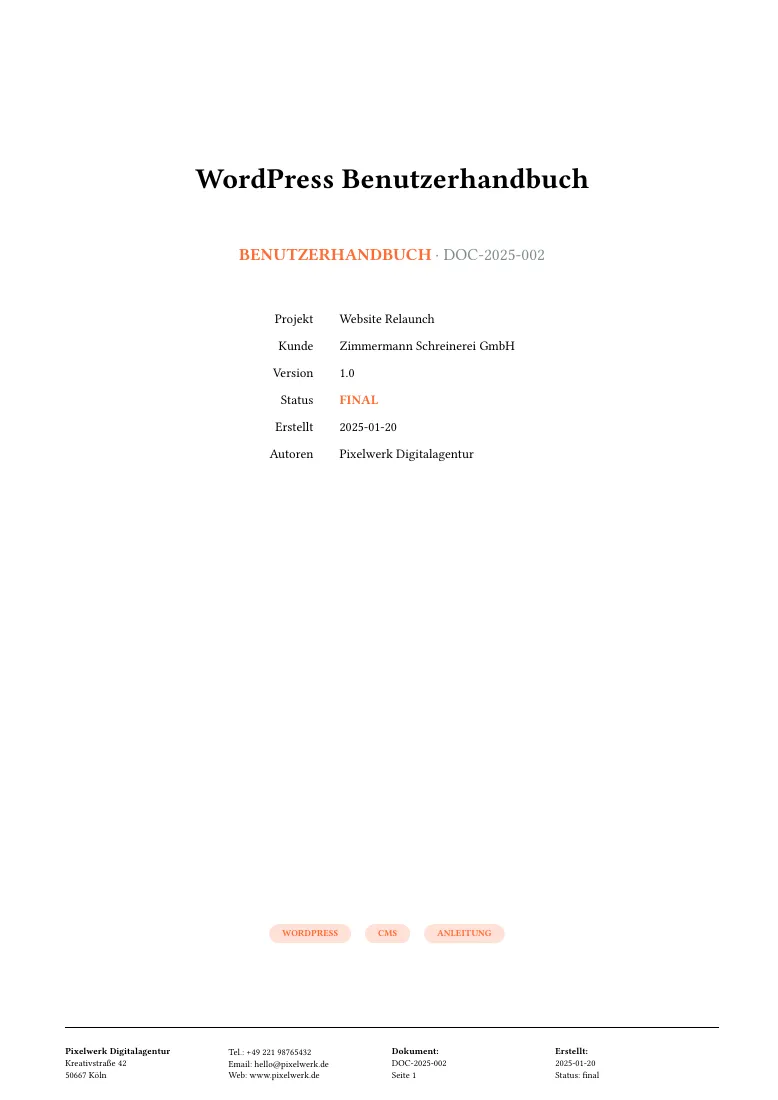 Documentation
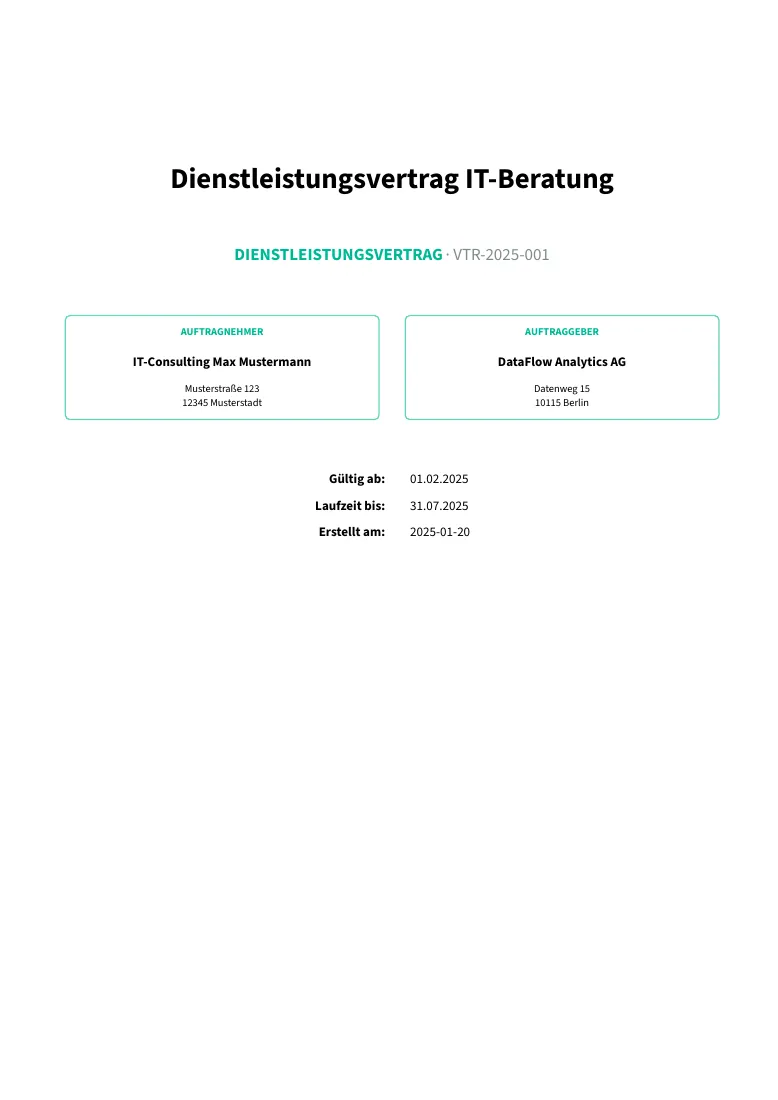 Contract
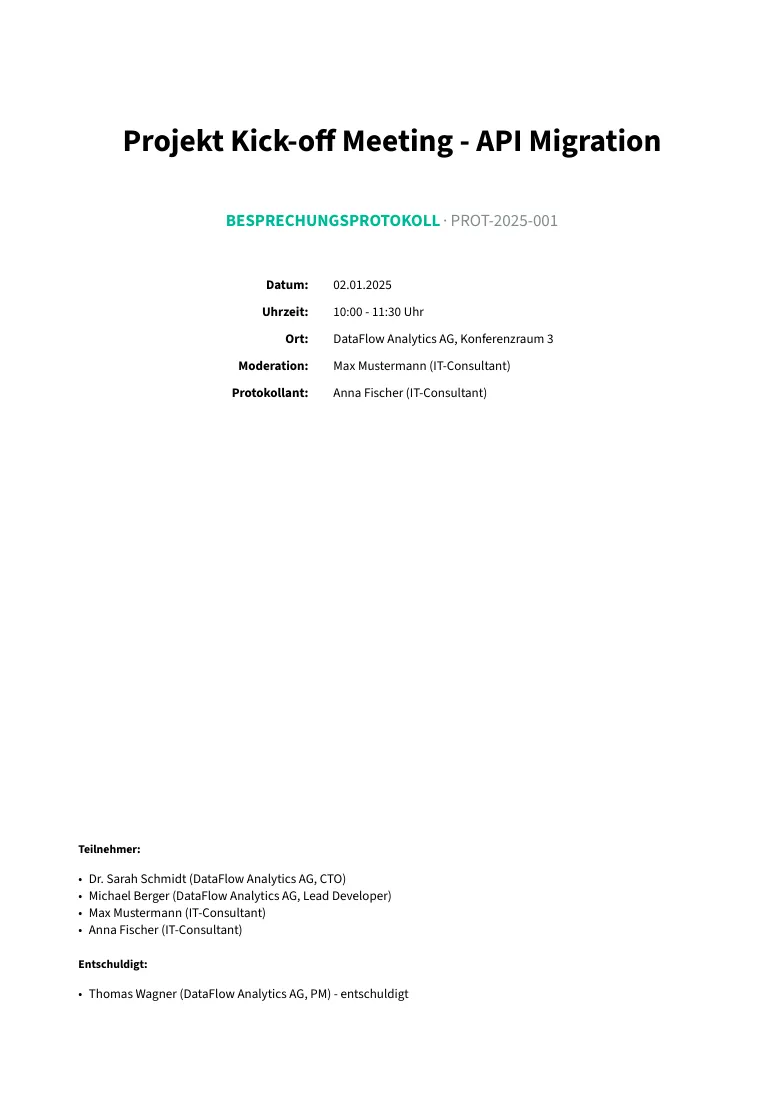 Minutes
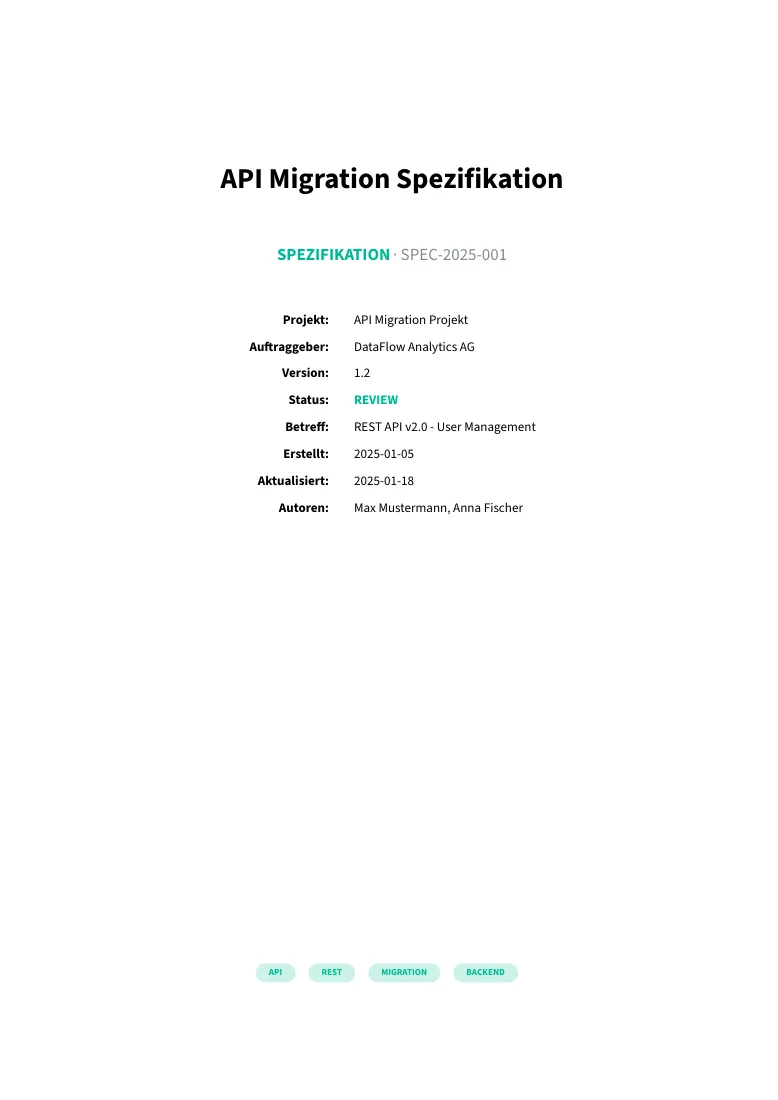 Specification
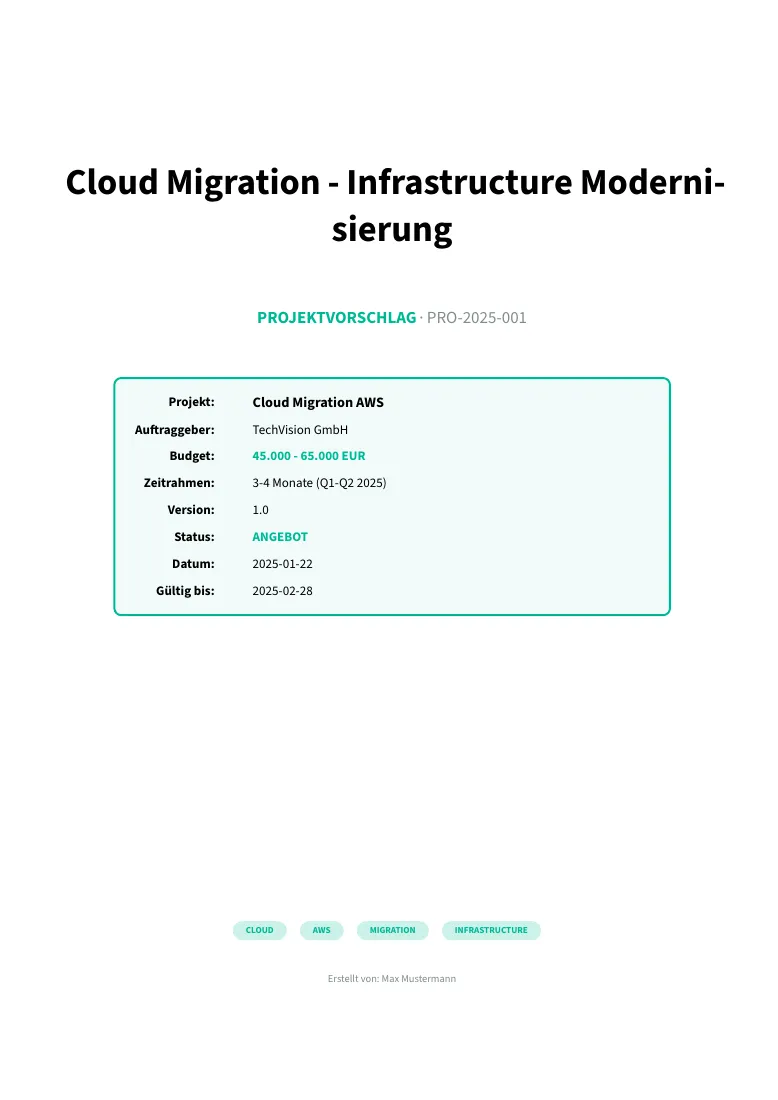 Proposal
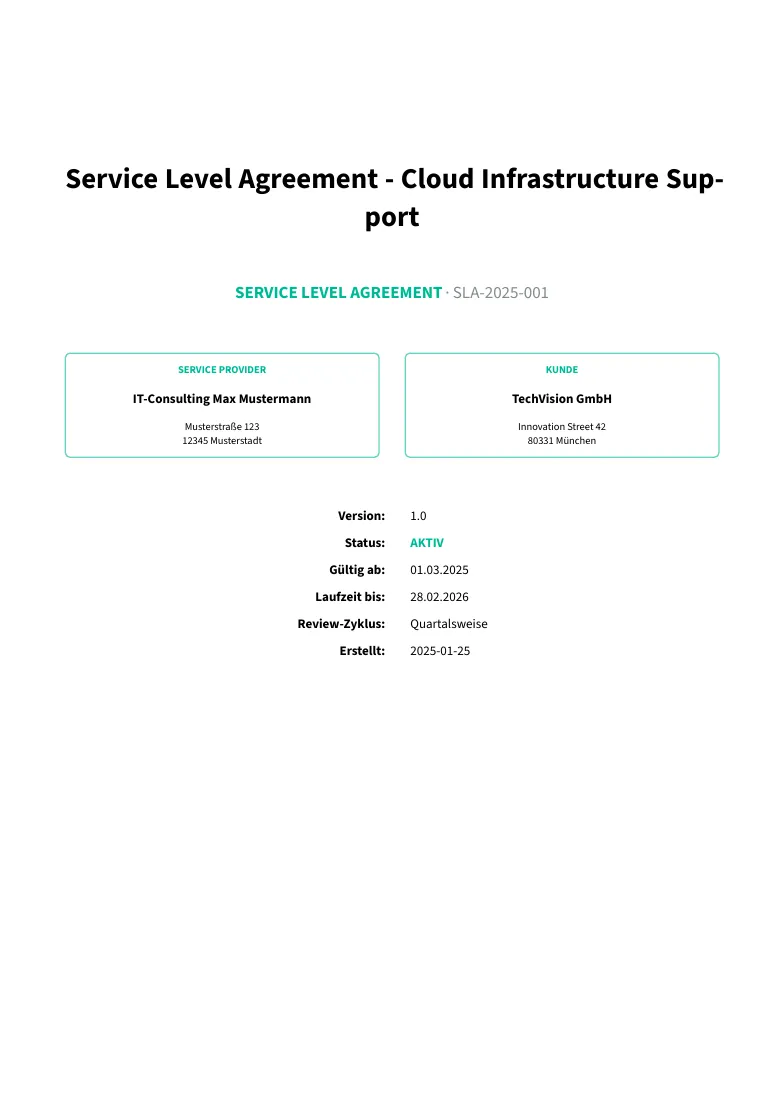 SLA
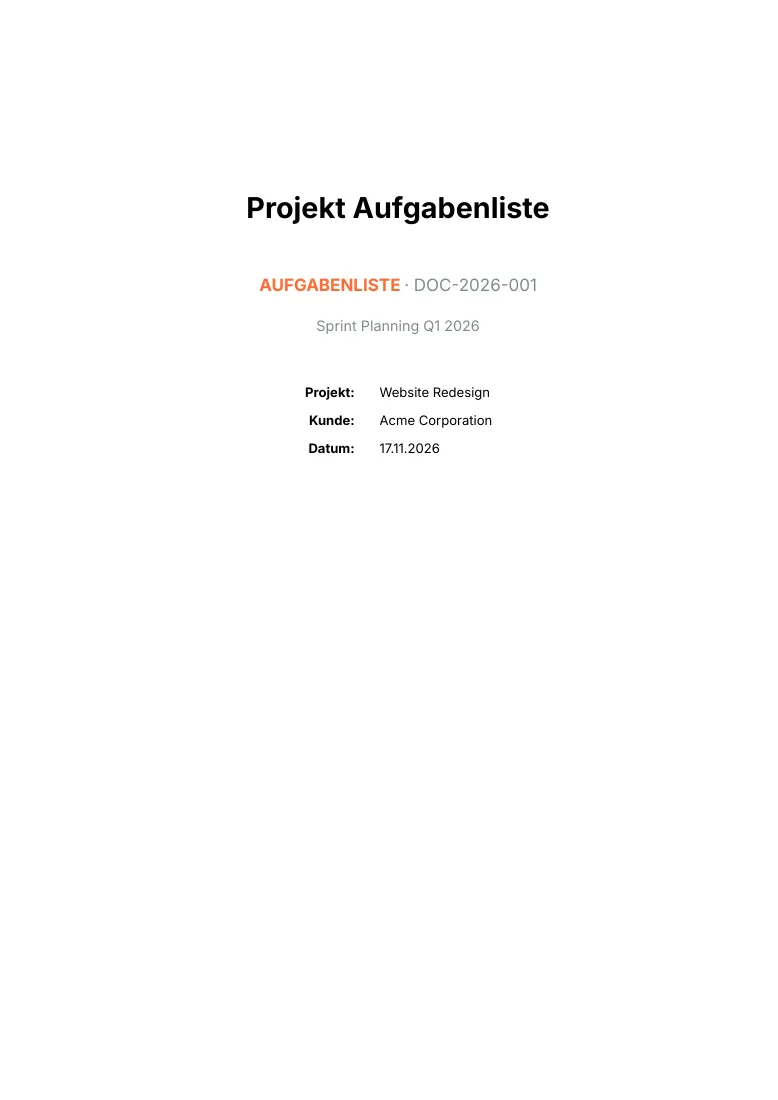 Task list
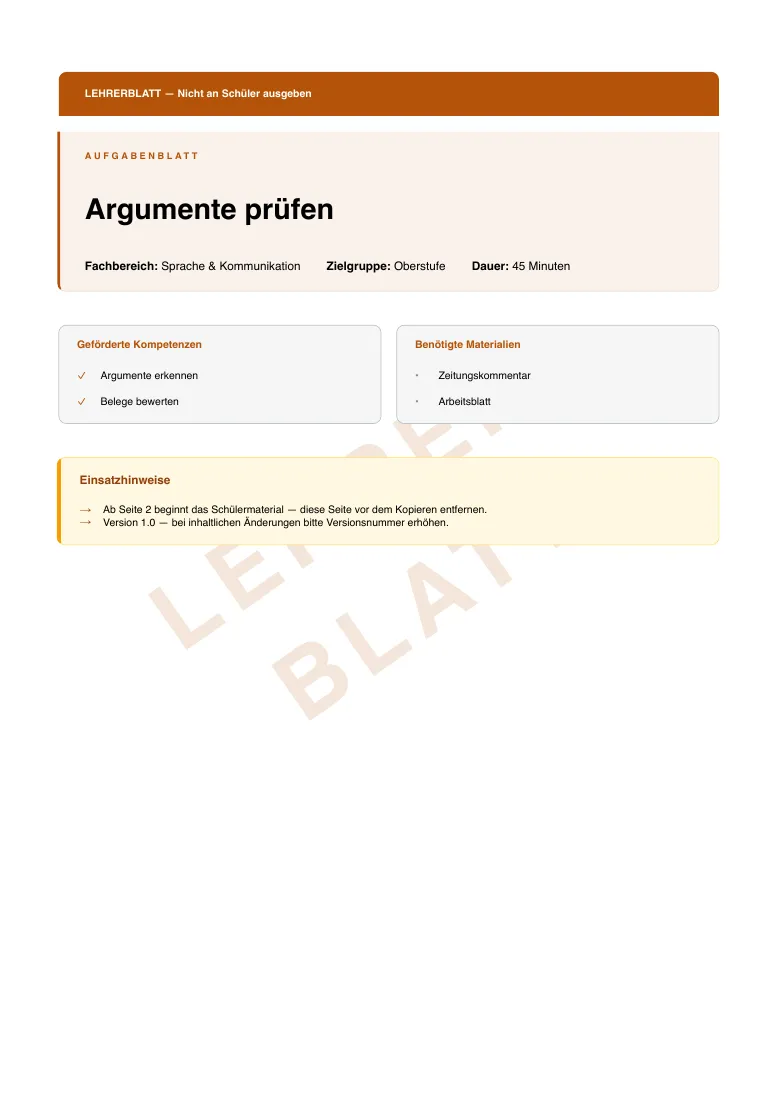 Handout
Which documents work well together
These are suggestions, not features of the package: the templates are independent, but they share
company.json and the same data shapes, so they chain naturally.
- Sales chain: quotation request, then offer, order confirmation, delivery note, invoice.
Offer, order confirmation and invoice take positions in
itemsof the same shape, so the positions can be copied forward and onlymetadatachanges. - Dunning: invoice, reminder (levels 1 to 3), credit note for corrections. The reminder lists
outstanding_invoicesby number, so it needs no copy of the positions. - Project chain: proposal, concept, specification, contract, SLA, minutes during the project, documentation at the end. They share title page and branding, so they read as one set.
- Billing from time: the time sheet’s hours total is what you put into an invoice position; the sheet is the attachment the client signs.