Accounting documents
Ten data-driven templates from invoice to credentials, with an example of each, what is special about it and how it is built.
Deutsche Fassung: Buchhaltungsdokumente
How they are built
Every accounting document is a DIN 5008 letter: letterhead with logo and a metadata box, an address
block with return-address line for window envelopes, a four-column company footer (address,
contact, tax data, bank account). The shared parts live in templates/common/
(accounting-header.typ, din5008-address.typ, totals-summary.typ, footers.typ), so all ten
look related.
The content is a JSON file checked by a schema, and the document is a four-line wrapper:
#import "@local/business-templates:0.4.1": offer

#offer(
  data: json("AN-2026-007.json"),
  company: json("/data/company.json"),
)
Templates that carry money check the totals: if the positions do not add up to the stated sum, the build stops instead of printing a wrong figure. Details and the field outline: Accounting documents (guide).
Invoice
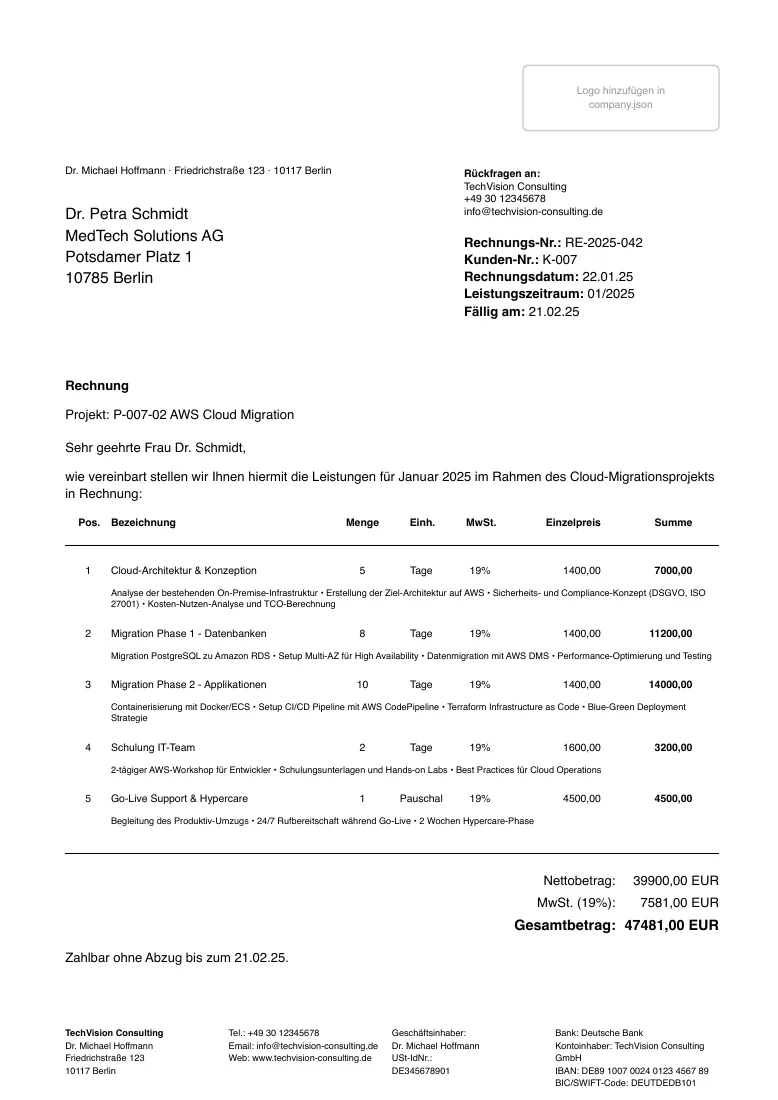
Position table with sub-items, VAT breakdown and payment due date. It is the one template with extra machinery: seven languages, an international layout, A4 or US Letter and configured VAT or sales-tax components (Invoice configuration). Together with typstgen the same JSON becomes a ZUGFeRD e-invoice (E-invoices).
Suggestion: keep one JSON file per invoice, named like the invoice number, and the thin wrapper next to it. The JSON is what goes into version control and into the e-invoice.
Offer
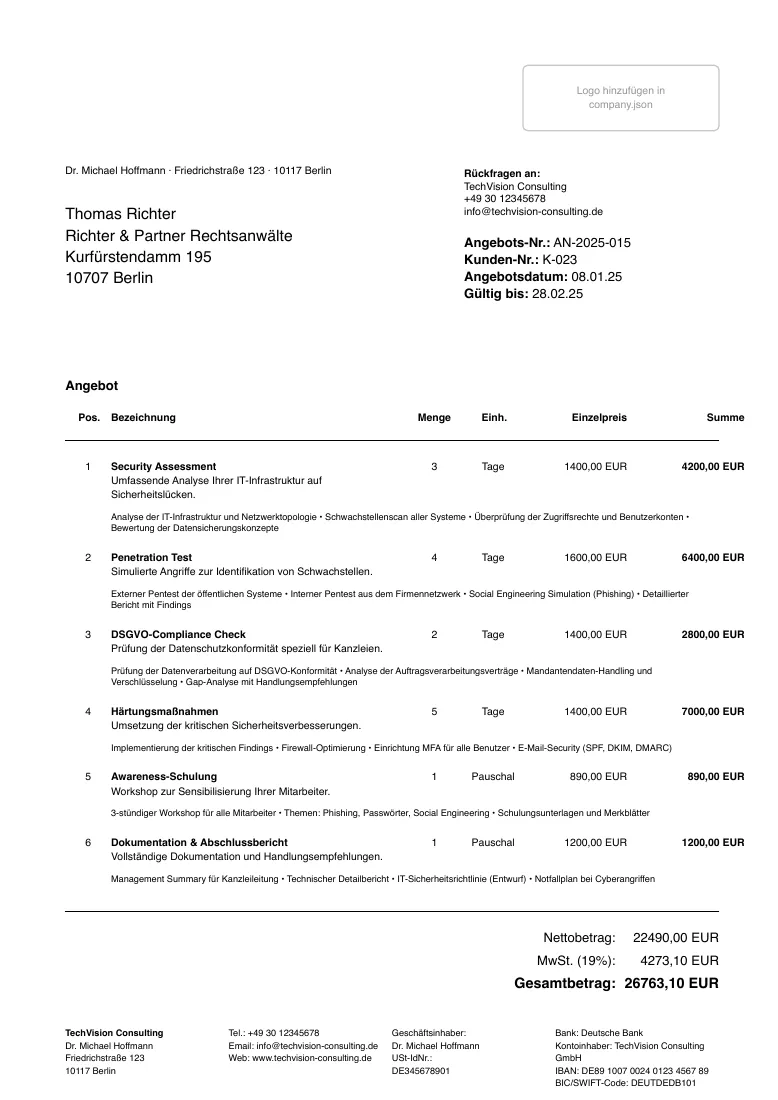
Position table, validity date and terms, with the totals check. The positions have the same shape as in the invoice.
Suggestion: when the client accepts, copy the positions into the order confirmation and later the invoice instead of typing them again.
Credit note
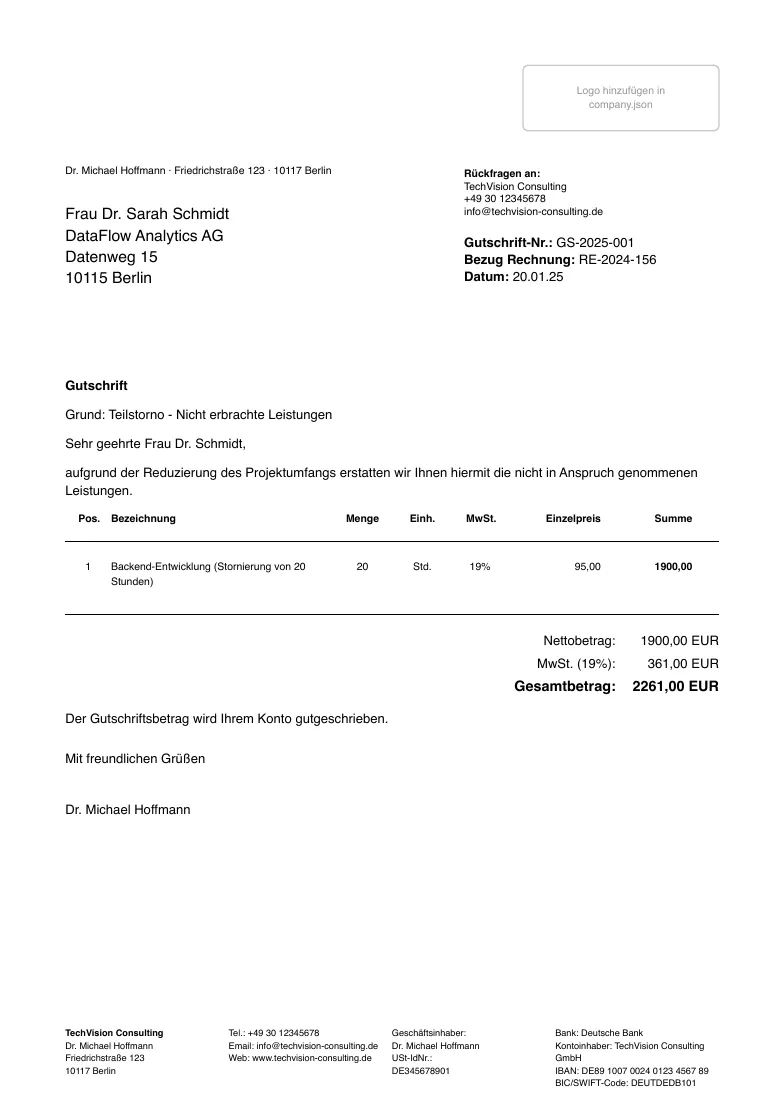
References the original invoice and the reason, then the corrected positions; totals are checked.
Suggestion: issue a credit note instead of editing a sent invoice. The history stays visible.
Reminder
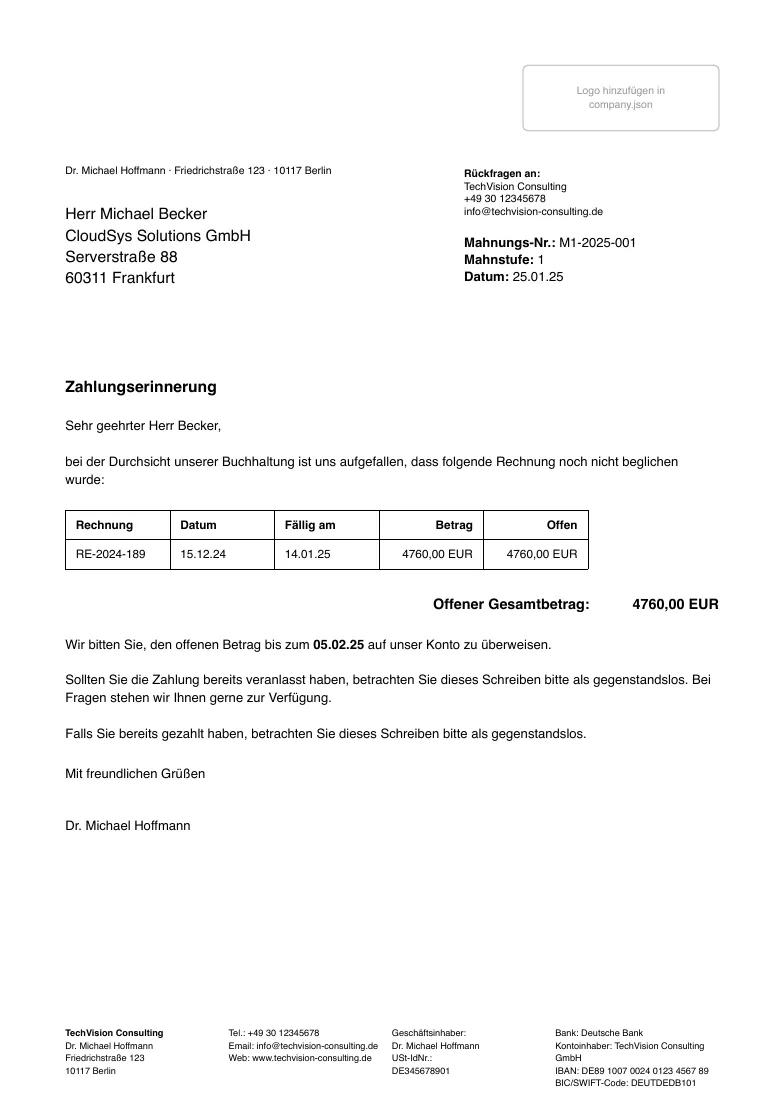
Dunning level 1 to 3, a table of the open invoices, fees and a new deadline. It lists
outstanding_invoices by number, so it needs no copy of the invoice positions.
Delivery note
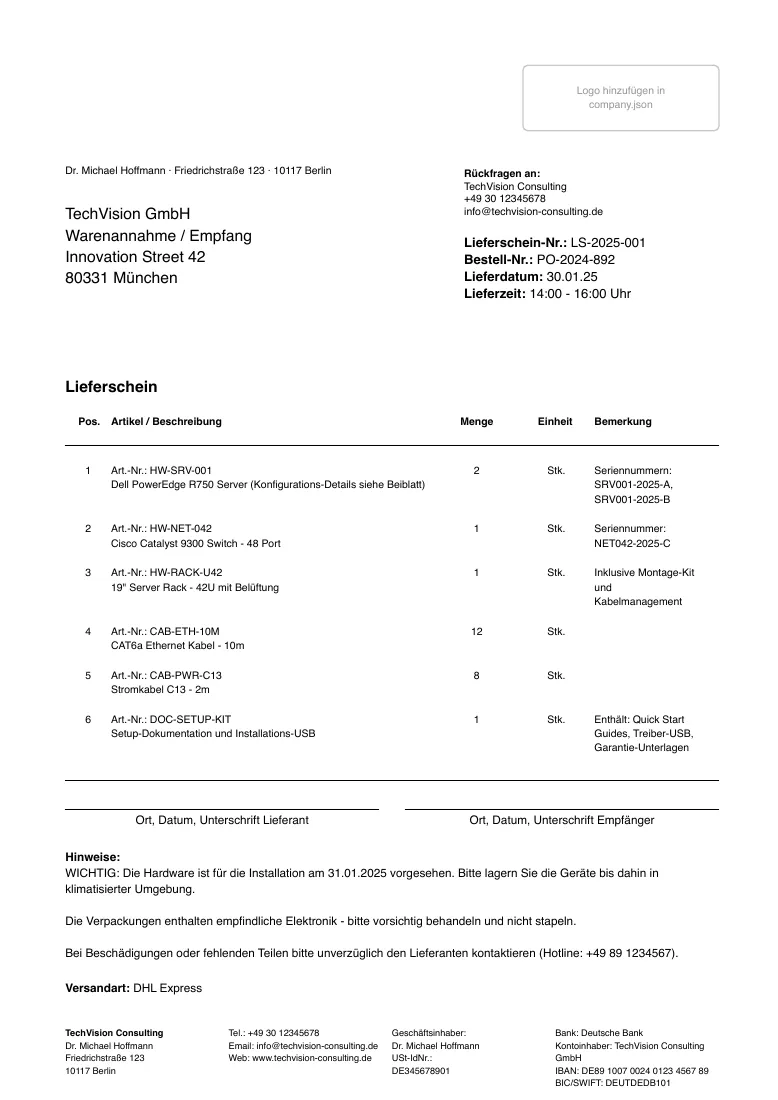
Items with quantities, delivery address, shipping details and signature fields. The template has no price columns.
Order confirmation
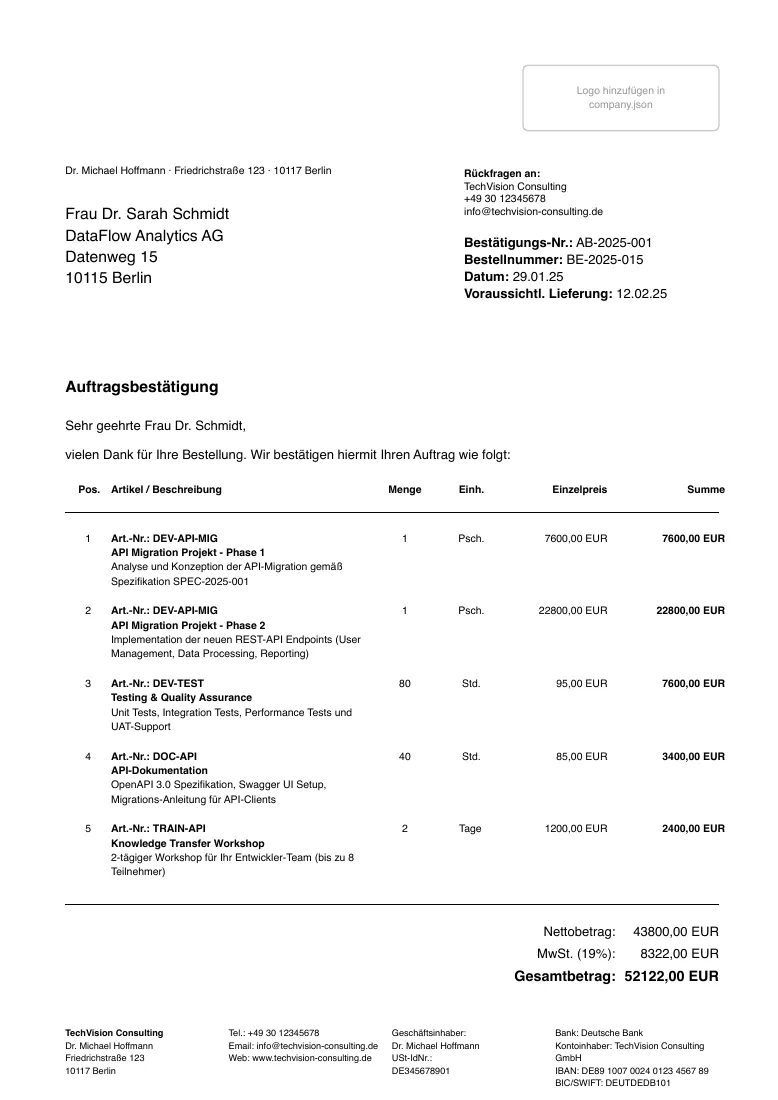
Order reference, expected delivery and the position table; totals are checked.
Quotation request
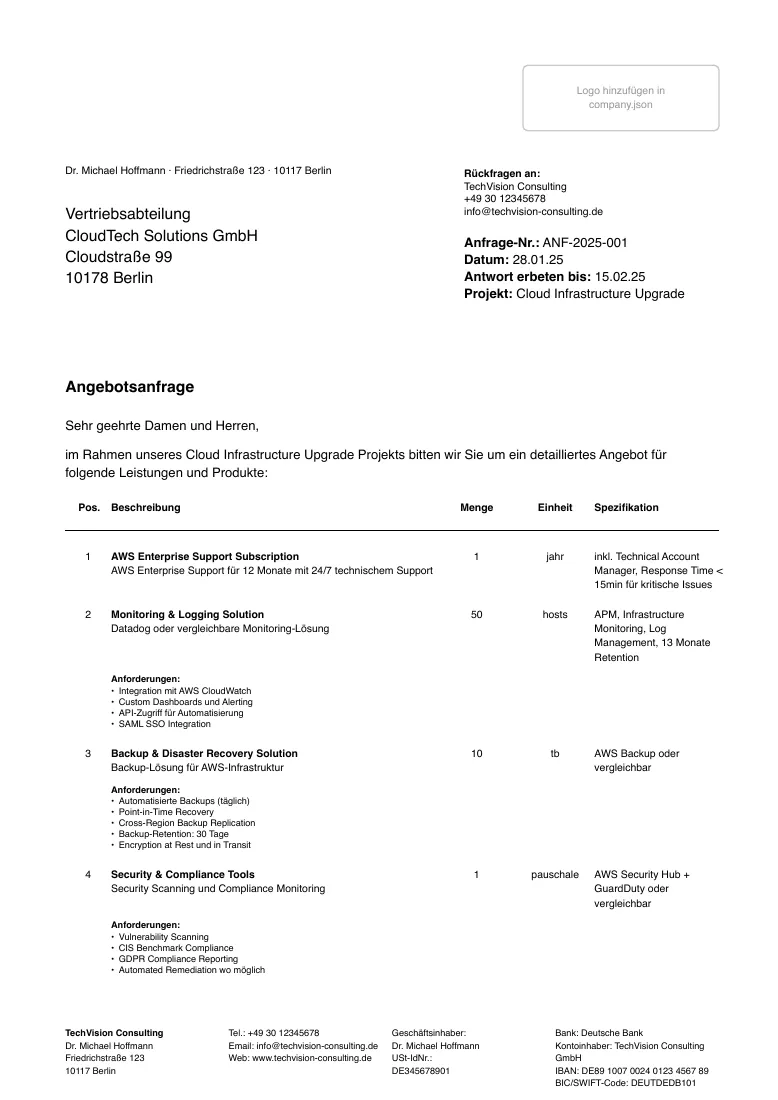
The other direction: you ask a supplier. Requested items with specifications, requirements and a
response deadline. The addressee is called supplier in the data instead of recipient.
Time sheet
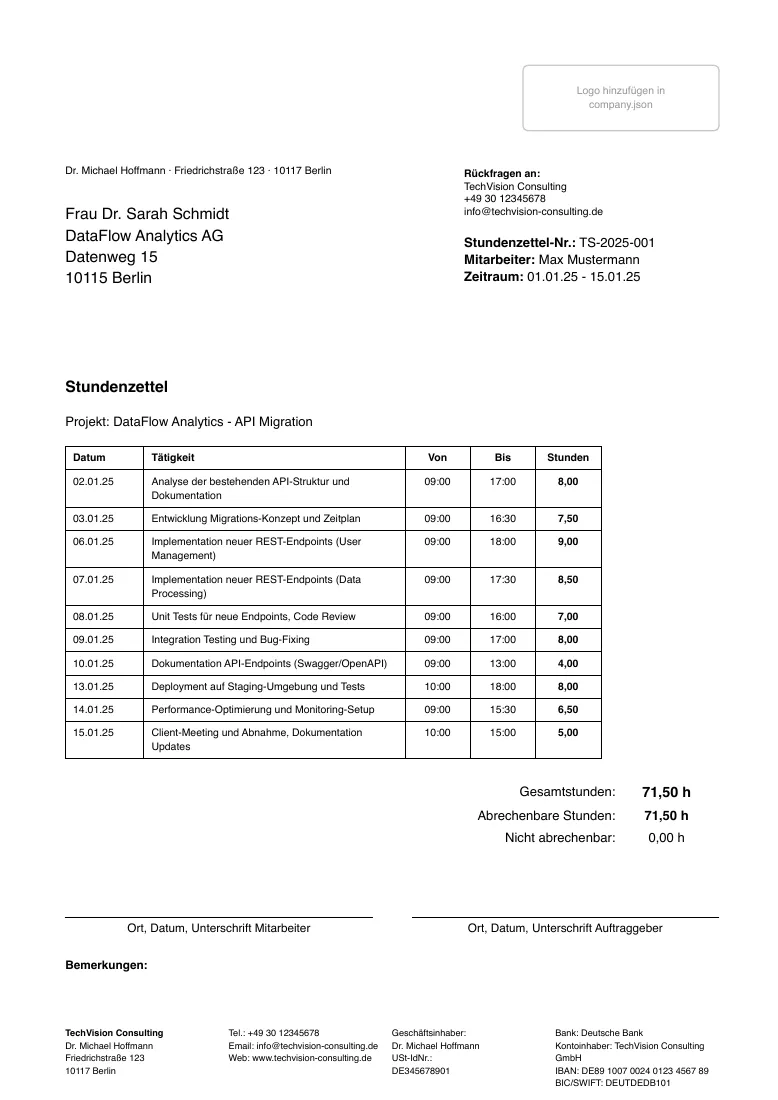
Daily entries with start and end times, hour totals and signature fields; the client is client in
the data.
Suggestion: use the sheet as the signed attachment of an invoice for time-based work, and take the hour total as the quantity of the invoice position.
Letter
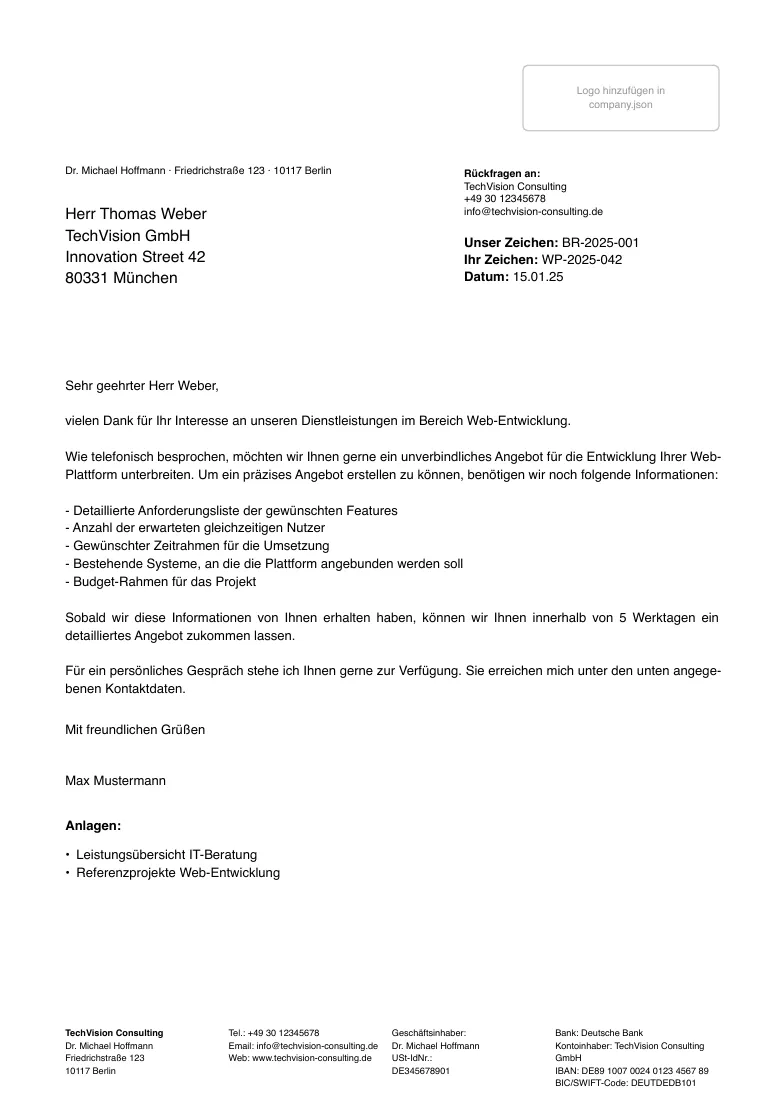
Subject, your and our reference, page header from page 2 and enclosures. The text is plain
content in the data or, for headings, lists and tables, Typst content after the call:
#letter(
  data: (
    metadata: (date: "2026-10-08", subject: "Bieterfragen", reference_number: "BRF-2026-001"),
    recipient: (lines: ("Muster GmbH", "Herr Max Muster", "Hauptstraße 1", "12345 Musterstadt")),
    salutation: "Sehr geehrte Damen und Herren,",
  ),
  company: json("/data/company.json"),
)[
  = A. Eignung
  …
]
Credentials
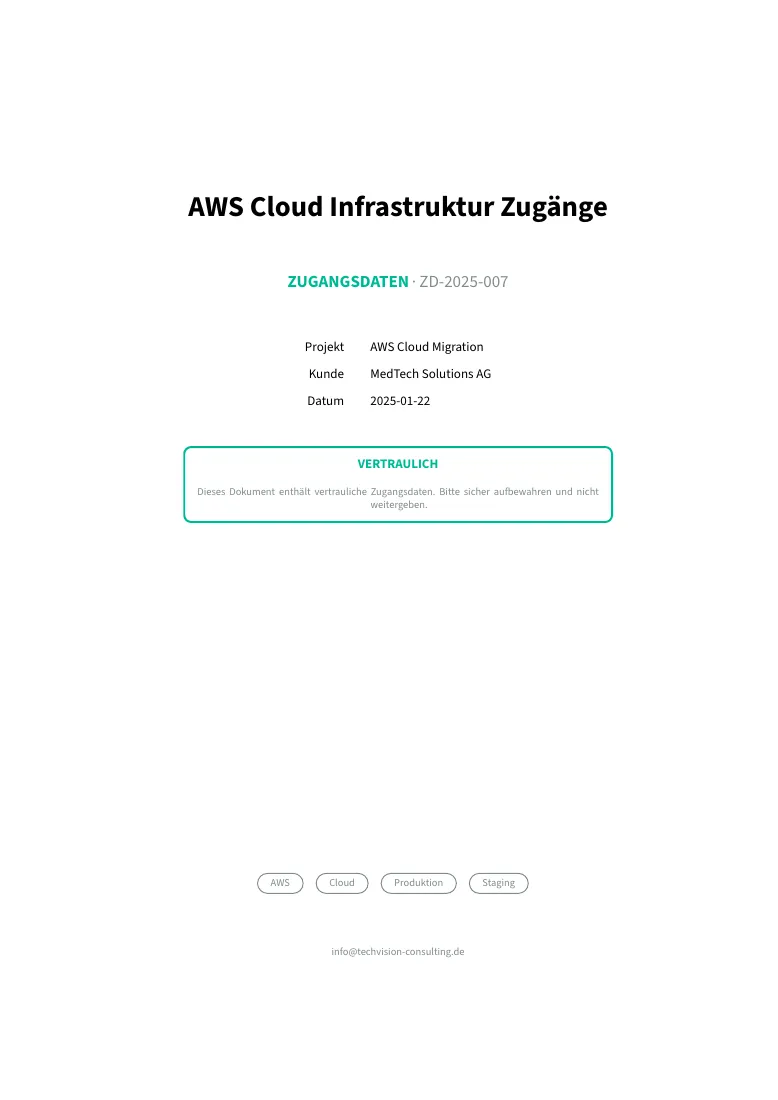
Access data for a handover: title page, confidentiality notice and one section per service with
logins, ports and settings. It uses the document layout (title page, branding, translated labels)
but takes its content as data, and it accepts partial locale: overrides.
Suggestion: generate it from the same source you provision from, so the handover sheet cannot drift from reality, and hand it over on paper or encrypted, not by email.